The booking page vs website decision depends on what your service business needs customers to do. A hosted booking page can explain services and accept appointments without a separate website. A fuller website can support additional content and navigation, while a booking widget connects scheduling to an existing page.
This guide compares six practical decisions for salons, consultants and other service businesses in the US, UK and Europe. You do not need to build everything at once. Start with the smallest setup that explains the service clearly and lets customers complete the intended booking.
1. Start the booking page vs website comparison with the customer task
If customers already know your business and need a time to visit, a hosted page may be a useful starting point. If they need extensive project information, examples, resources or several kinds of enquiry before choosing a service, a separate website may help organize that material.
Neither format creates customer trust automatically. The page needs an accurate business identity, understandable services and a working contact route. A large website with unclear availability is not necessarily a better booking experience than a focused hosted page.
| Need | Hosted booking page | Separate website |
|---|---|---|
| Choose a service and appointment | Core purpose of the configured scheduling page | Usually needs a connected booking link or widget |
| Publish a large resource library | Depends on the page editor’s supported sections | Can organize dedicated articles and resource pages |
| Share a direct booking route | Share the public hosted URL | Share a service page or booking destination |
| Maintain extra hosting and site software | No separate site is required for the hosted route | Depends on the chosen website platform and service |
2. Compare the real setup work
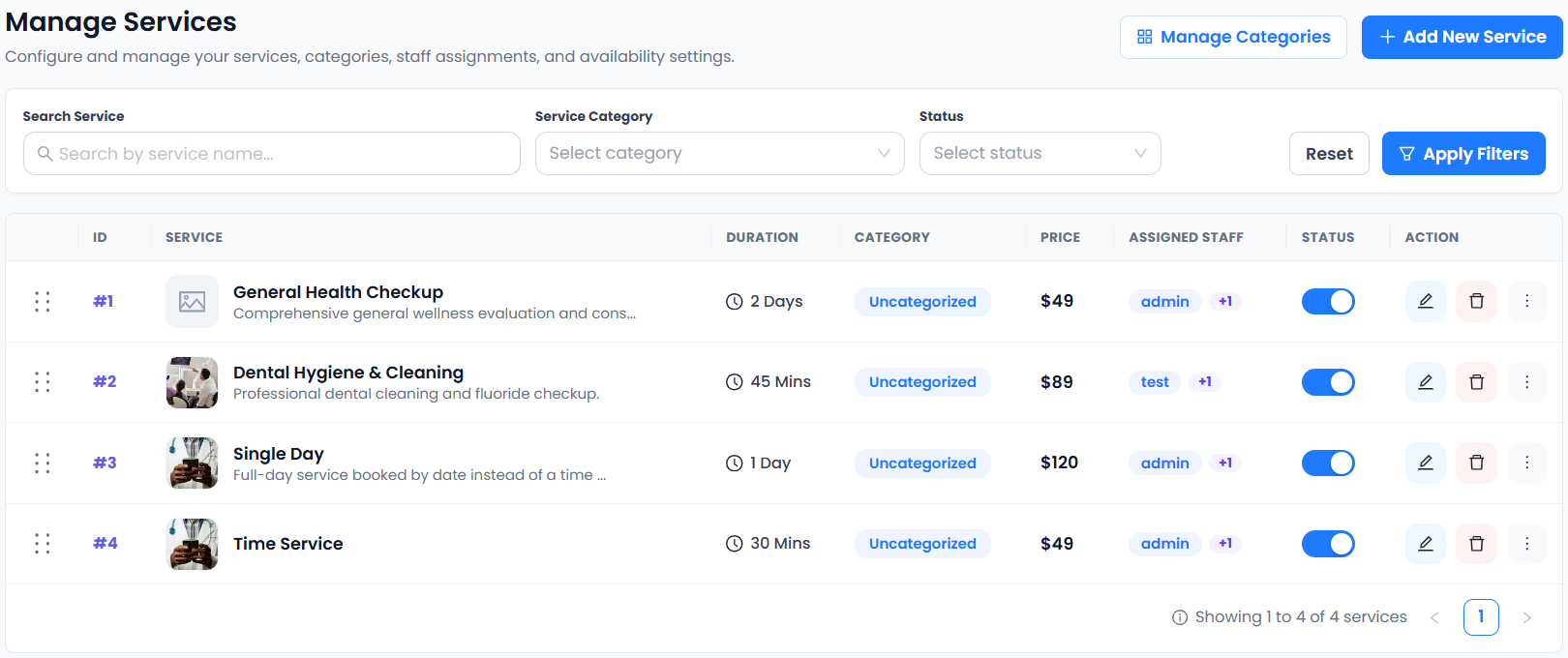
In the booking page vs website decision, separate service configuration from page design. Both routes still require correct durations, prices, staff assignments and availability. A hosted page saves you from building a separate site first; it does not remove those operational tasks.
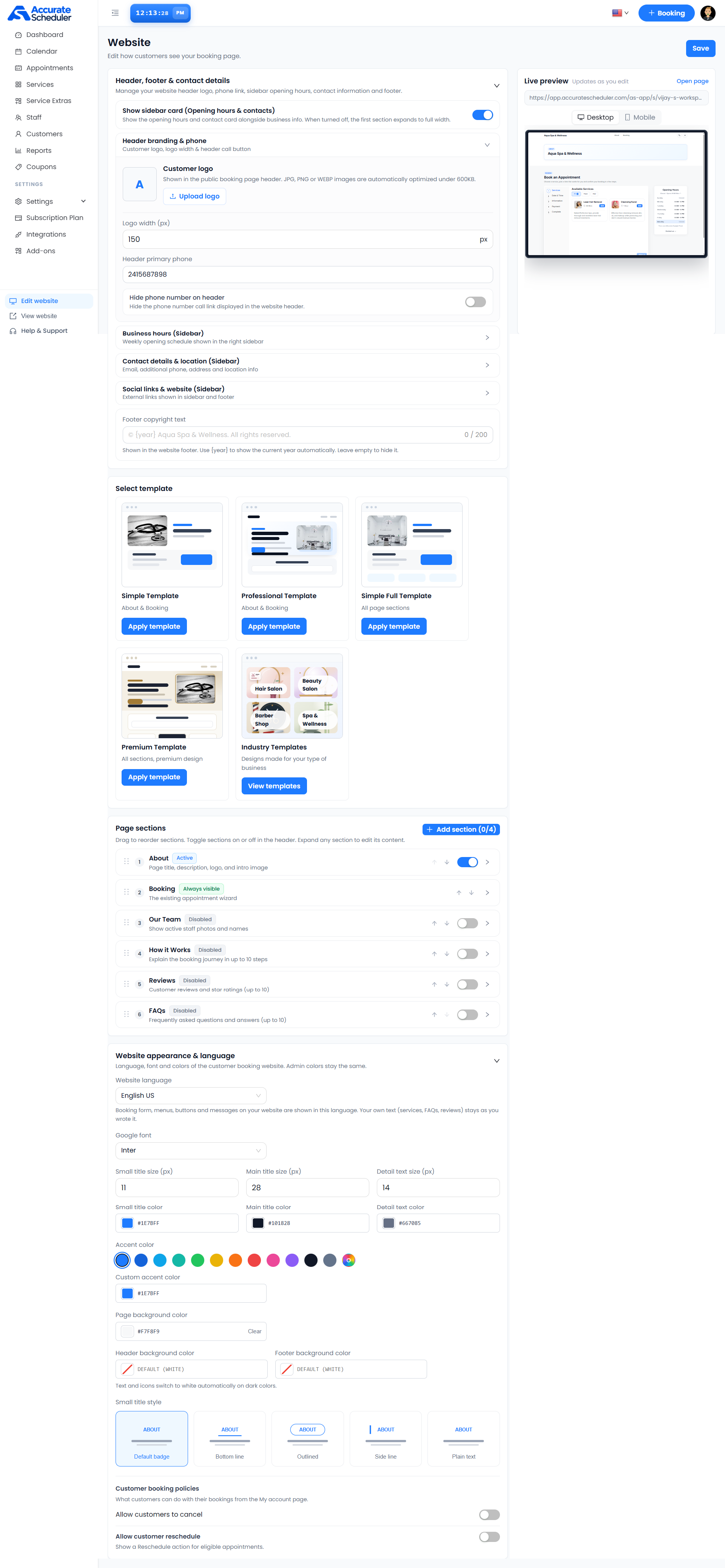
Accurate Scheduler’s Website editor supports business details, contact information, page sections and appearance settings. Review the templates available to your plan and save your changes. See the Website editor guide and no-website setup checklist.
A separate website introduces its own content and maintenance choices. Before buying additional services, list what the hosted page cannot do that your business actually needs. Avoid paying for a complex site solely because you assume appointment booking requires one.
3. Review service information and page ownership
A hosted booking page uses the scheduling provider’s supported editor and public URL arrangement. A separate website has its own platform, account and publishing controls. Confirm domain options, data access and account responsibilities directly; do not assume either approach includes every customization.
For booking page vs website planning, write down the essential customer information: what you provide, who provides it, duration, location or meeting format, fee, relevant terms and contact details. Test whether the chosen page communicates those points before adding more design elements.
Do not claim a US or European office that your business does not have. For local services, use the genuine location. For remote work, explain the delivery format and test the timezone shown to customers.
4. Separate appointment payments from website commerce
A hosted booking page can collect service payments through a supported, configured provider. A separate website might also sell products or other services, but those transactions are not automatically connected to the scheduling record.
In Accurate Scheduler, Stripe and PayPal integrations are included in Free and paid plans. Other payment integrations require a paid plan, and provider accounts, fees and eligibility remain separate. Verify the actual payment flow for your country, currency and account.
The booking page vs website choice does not establish tax handling, payment settlement or refund behavior. Test the appointment and provider transaction together. Read the payment setup guide and review your provider’s current terms. Stripe provides official testing guidance for supported test environments.
5. Compare discovery and measurement realistically
A hosted page can be shared through relevant profiles, email signatures and customer conversations. A separate website can give you room for additional original content, but simply owning more pages does not guarantee Google rankings.
Google recommends useful, reliable content created for people in its people-first content guidance. Use your booking page vs website comparison to decide what helps customers understand your service, not to assume either format earns an automatic search advantage.
For US and European audiences, English examples can be useful but do not replace country-specific research or accurate translations where your customers need them. Measure completed appointments and qualified enquiries using your actual analytics setup. A page view is not a sale.
Use the booking-link sharing guide for practical distribution and the Analytics setup documentation for supported measurement.
6. Choose a route you can test and expand
A practical booking page vs website starting point is one service, one tested customer journey and a public URL you can share. Add a separate website later when there is a clear need for more content or functions, then connect it through a supported link or widget.
SuperSaaS documents links, widgets and frames, while Picktime describes a hosted booking-page approach. These options are common across scheduling products. Compare plan requirements, customer experience and your own operating needs rather than assuming one presentation is universally better.
Accurate Scheduler supports a hosted booking page and a shared booking widget for suitable existing websites. See the widget setup checklist if you already have a site. Unlimited staff and services do not mean unlimited appointments; review current plan allowances.
Finish the booking page vs website decision with a customer-side test. Check services, staff, date, time, payment information, confirmation and supported appointment changes. Explore the booking demos and follow the launch checklist before sending customers to either destination.