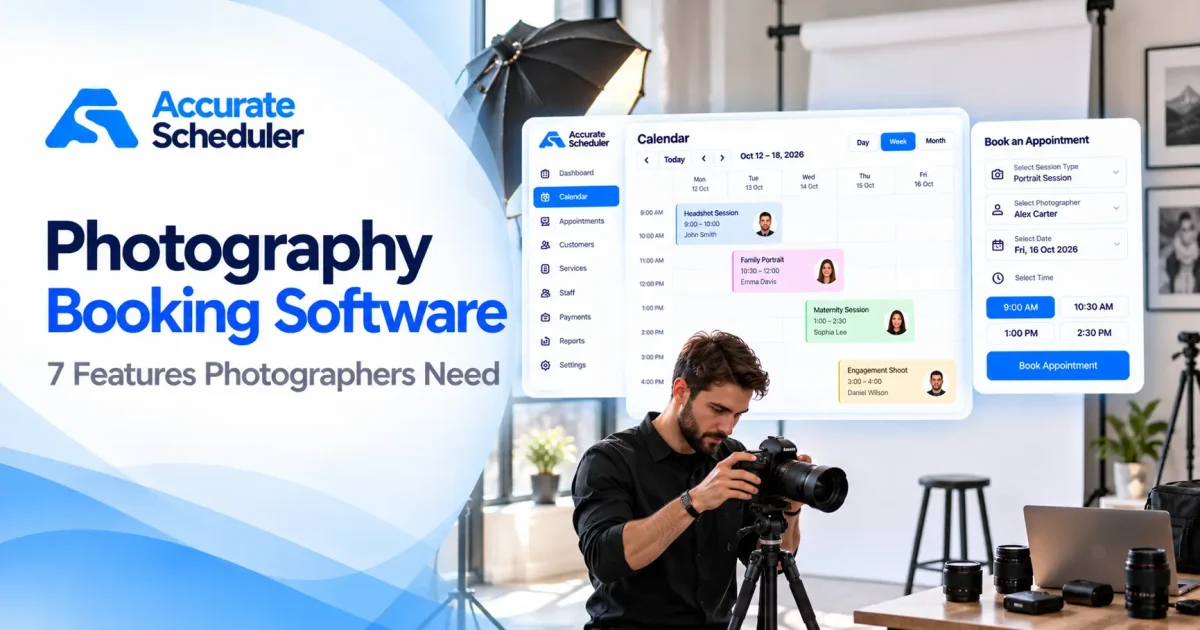
Mini session booking combines a short photography appointment with a tightly planned day. The challenge is not simply filling every visible slot: you need time for arrivals, the session itself, changeovers and the information customers need before they attend.
This guide is for portrait and small-studio photographers in the US, UK and Europe. It covers appointment planning, not photography contracts, image rights or consent requirements. Configure those through the appropriate separate process. All timetable examples are illustrative and should be adapted to your location and working style.
1. Define what the session includes
State the shoot duration, location, intended group size and agreed deliverables. Distinguish time in front of the camera from the entire customer visit. If image selection or delivery happens later, explain that without promising a gallery feature your scheduler does not provide.
Mini session booking should use a recognizable service name. A customer choosing a short portrait session should not expect a full event shoot. Read the service setup guide and keep the displayed description consistent with your actual offer.
2. Build the timetable from capacity, not ambition
Start with the working period, then subtract breaks and non-shooting tasks. Suppose a sample three-hour block contains a 20-minute shoot and a 10-minute changeover for each client. Six complete 30-minute cycles fit that block before any additional break.
That arithmetic does not establish that six bookings will be suitable for your business or automatically fit your software settings. Review venue access, equipment changes and the pace you can sustain. Mini session booking should reflect your tested operating plan, not the highest number a calendar can display.
3. Distinguish duration, buffer and slot spacing
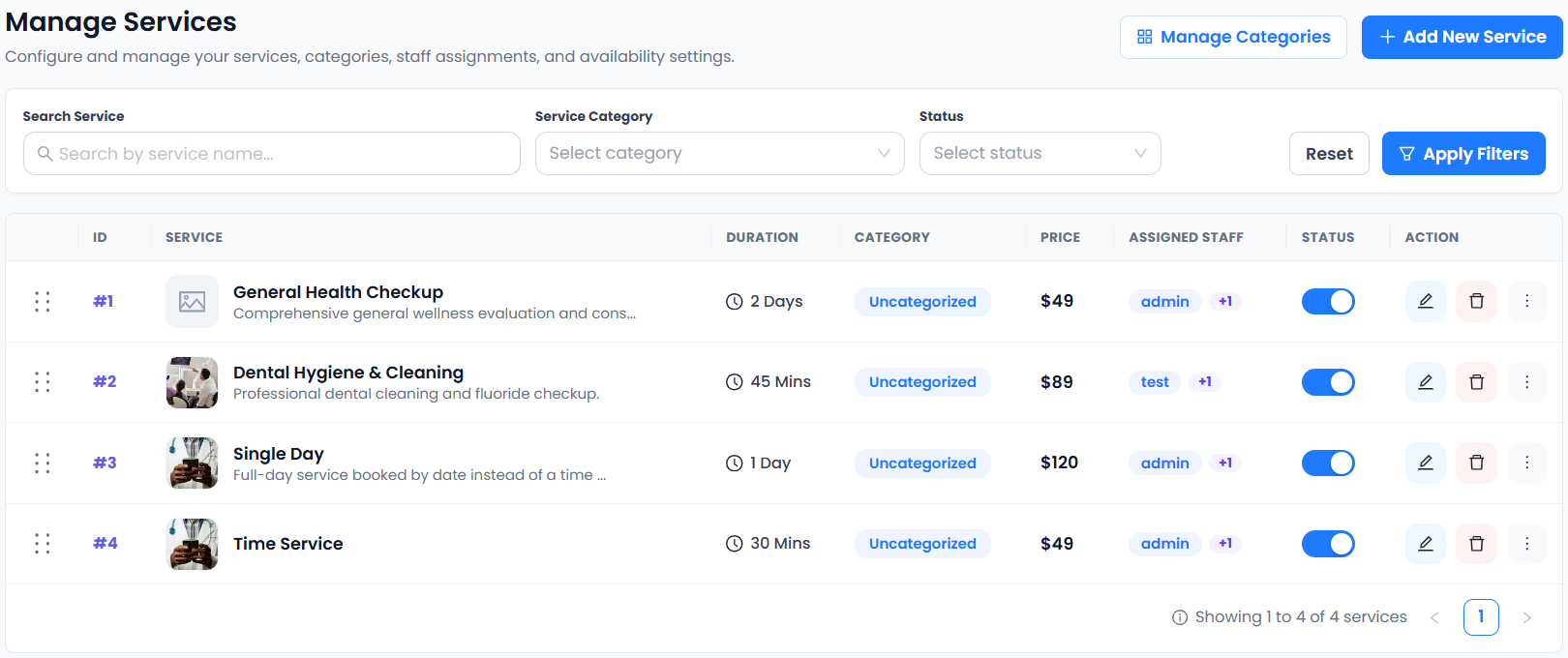
A service duration describes the appointment. A buffer reserves surrounding time. The spacing of offered start times is another control. Do not assume these settings mean the same thing or that adding a buffer changes the advertised shoot duration.
Accurate Scheduler includes Buffer Time in Free and paid plans. Follow the buffer setup guide, save your service and test successive slots. For mini session booking, inspect the first and last available times and confirm how the complete block fits the photographer’s working hours.
4. Explain arrival and location instructions
Give the genuine meeting point and a contact route. Explain any arrival instruction you actually use, such as where to wait before the shoot. Keep internal access information and sensitive venue details out of public text when they are not needed to arrange the appointment.
For US and European customers, use a clear date and the venue’s relevant local time. Avoid an unexplained numeric date. Outdoor weather changes and venue closure decisions remain your responsibility; do not imply that mini session booking automatically resolves them.
5. Verify fees and the payment journey
Explain the session charge and what is included. If you collect a supported deposit, confirm the type, amount, remaining balance and provider behavior. A changed appointment status does not prove a refund, and a deposit is not automatically a refundable security hold.
Stripe and PayPal integrations are included in Accurate Scheduler Free and paid plans. Provider accounts, regional eligibility and fees apply separately. Use the payments guide and Stripe’s official testing documentation where relevant. Never test using someone else’s payment details.
6. Collect only useful preparation information
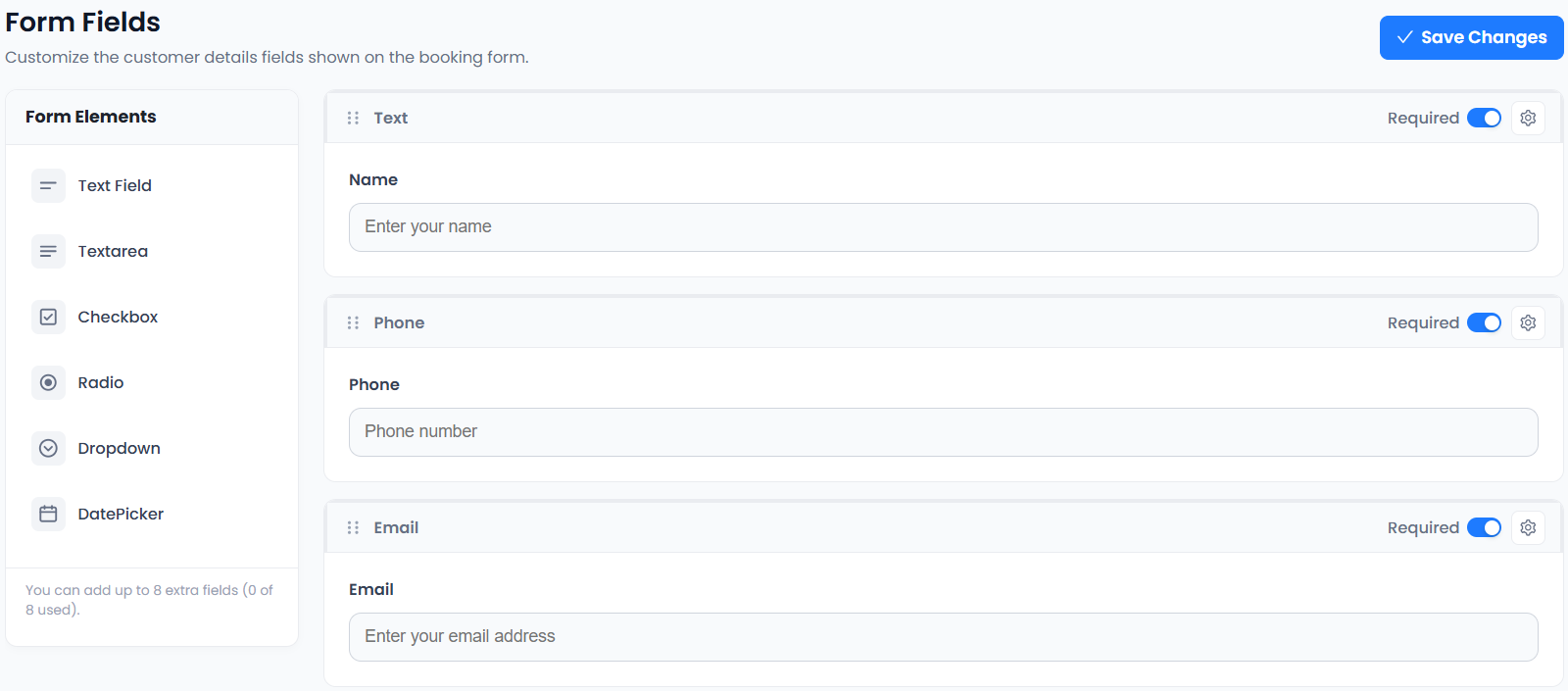
An optional question about the intended portrait group or a short accessibility request may help you prepare, depending on the service. Explain how customers should contact you for detailed arrangements rather than asking for extensive personal information in a generic notes box.
The appointment form is not automatically a model release, photography contract or permission-management system. Use separate appropriate documents and controls where needed. Review the form checklist so mini session booking remains easy to understand on a small screen.
7. Pilot the timetable before promoting the date
Create two or three clearly marked test bookings in a controlled configuration. Compare the customer summary with the appointment record and check the remaining start times. Review the actual notification and the supported customer change process.
SuperSaaS distinguishes capacity and resource schedules, while Picktime lists appointment and resource tools. A sequence of portrait appointments is not automatically a shared class. Explore photography workflows and the test checklist. Mini session booking is ready when the timetable and customer expectations both work, not merely when a page is visible.