Salon consultation booking should reserve time for a conversation about a service, not leave the customer assuming that a treatment is included. Give the appointment its own name, purpose and duration so the stylist and client arrive with the same expectations.
This guide covers appointment administration for salons in the US, UK and Europe. It does not prescribe treatment suitability, safety checks or professional practice. Follow the requirements relevant to your services and use the booking process to support, rather than replace, professional judgement.
1. Define the consultation outcome
Explain what the conversation is intended to cover: understanding the requested service, reviewing available options or agreeing a next step. If treatment will be scheduled separately, say so prominently. Avoid promising a final price or result before the professional has assessed the request.
A salon consultation booking description might say: “Discuss your requested service with a stylist and review the next appointment options. This appointment does not include the treatment.” Adapt it to the actual service. A clear limitation is more helpful than a vague promise of a complete transformation.
2. Give the consultation its own duration and price
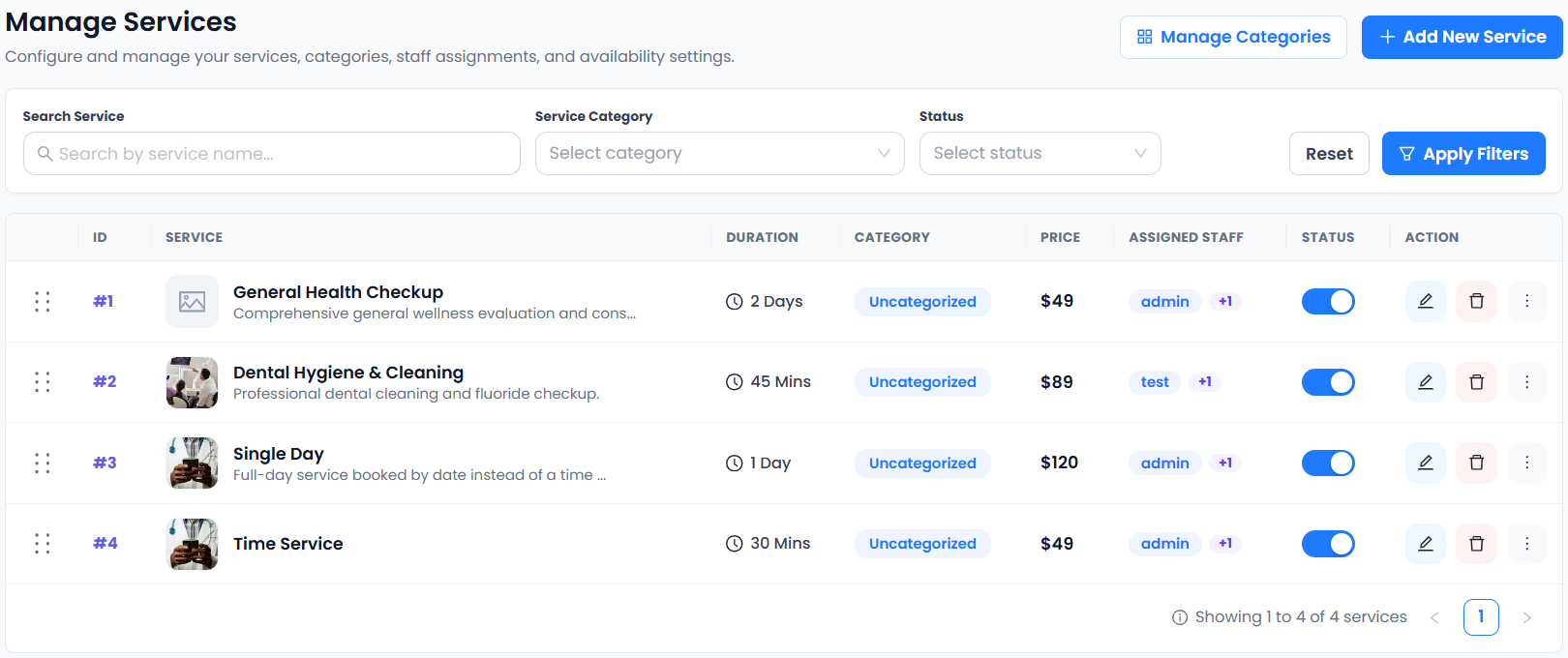
Create a separate consultation service when it has a different purpose, duration or charge from the treatment. Define whether it is free or paid. If a fee might be credited against later work, document and administer that arrangement through your actual business process.
Do not assume the scheduling tool automatically creates credit for a later appointment. Accurate Scheduler lets you configure services with durations and prices. Use the service setup guide to make salon consultation booking understandable before the client reaches payment.
3. Assign the right professionals
Only offer staff who provide the consultation. Review their shifts, holidays and any fixed preparation gaps. A stylist’s availability for an ordinary haircut does not automatically mean they should receive every specialist enquiry.
Accurate Scheduler includes unlimited staff, shifts, holidays and buffer time in Free and paid plans. Individual Staff Panel access requires a paid plan. Check the team feature details and test salon consultation booking on a day when a particular stylist is unavailable.
4. Ask for a brief reason for the visit
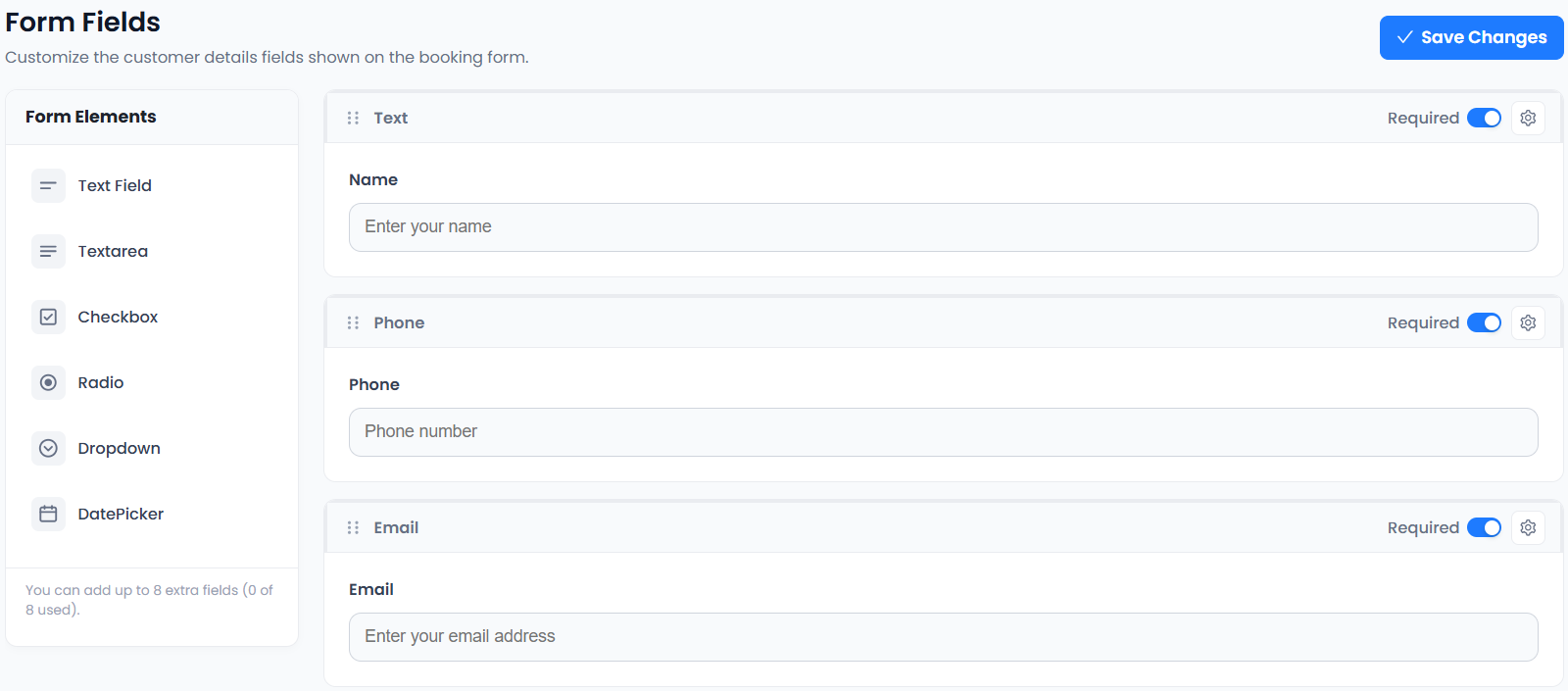
A short optional question can help the stylist prepare: “Which service would you like to discuss?” Keep the wording neutral and focused. Do not request extensive personal or treatment records through a general booking field.
The W3C form-label guidance explains why questions should have clear labels. Custom fields are included on every Accurate Scheduler plan. Use the configuration guide and review the actual customer form, not just its editor.
5. Tell clients how to attend
State whether the consultation is in person, by phone or online. For an in-person salon consultation booking, show the correct location and any genuinely necessary arrival instruction. Do not imply that every branch or staff member is available at the chosen address.
Use an unambiguous date and the relevant local time. A customer travelling between the US and Europe may read the confirmation in another timezone; the salon visit still takes place at the salon’s clock time if that matches your setup. Test any video connection separately if you offer remote consultations.
6. Define what happens after the consultation
Record the next step through your appropriate business process. The outcome might be another appointment, a later quotation or no further booking. Do not automatically count an attended consultation as a treatment sale.
A separate treatment can have a different duration, staff assignment and fee. If you investigate multi-service booking, test the combined workflow rather than assuming it handles an undecided future treatment. Salon consultation booking should reduce uncertainty, not force a customer to buy before the conversation.
7. Test the full client journey
Book a test consultation, inspect the staff and duration in the appointment record and check a received confirmation. Verify the service fee, any supported payment and the customer change route. Cancellation or rescheduling does not by itself establish a refund.
Picktime’s industry pages include salon use cases; SuperSaaS describes configurable services and scheduling. Compare a real consultation scenario rather than brand claims. Explore beauty and wellness workflows, try the demos and confirm your appointment allowance before opening salon consultation booking to clients.