Tutoring lesson scheduling should make it clear who is attending, what the session covers and when the tutor is available. It is different from managing homework, grades or a complete course. Begin with an individual lesson workflow you can test before adding more complicated arrangements.
This guide is for independent tutors and small tutoring teams serving US, UK and European learners. Example durations are planning choices, not educational recommendations. Keep safeguarding, consent and education-specific records in an appropriate separate process.
1. Separate the lesson types
Create distinct services for an introductory conversation, an individual lesson and a progress discussion when their purposes differ. A parent arranging a short enquiry should not accidentally book a paid full lesson. Explain subject, level, format and duration without promising a particular grade improvement.
For tutoring lesson scheduling, a sample menu might contain a 15-minute introduction, a 45-minute subject lesson and a 20-minute progress call. Adjust these to your teaching practice. A recurring term programme or prepaid lesson pack requires separate verification; individual booking support does not establish those capabilities.
2. Match tutors to subjects and availability
Assign only tutors who provide the selected service. Check working hours, holidays and time needed for preparation or notes. A general business opening-hours card should not be treated as evidence that every tutor is free throughout those hours.
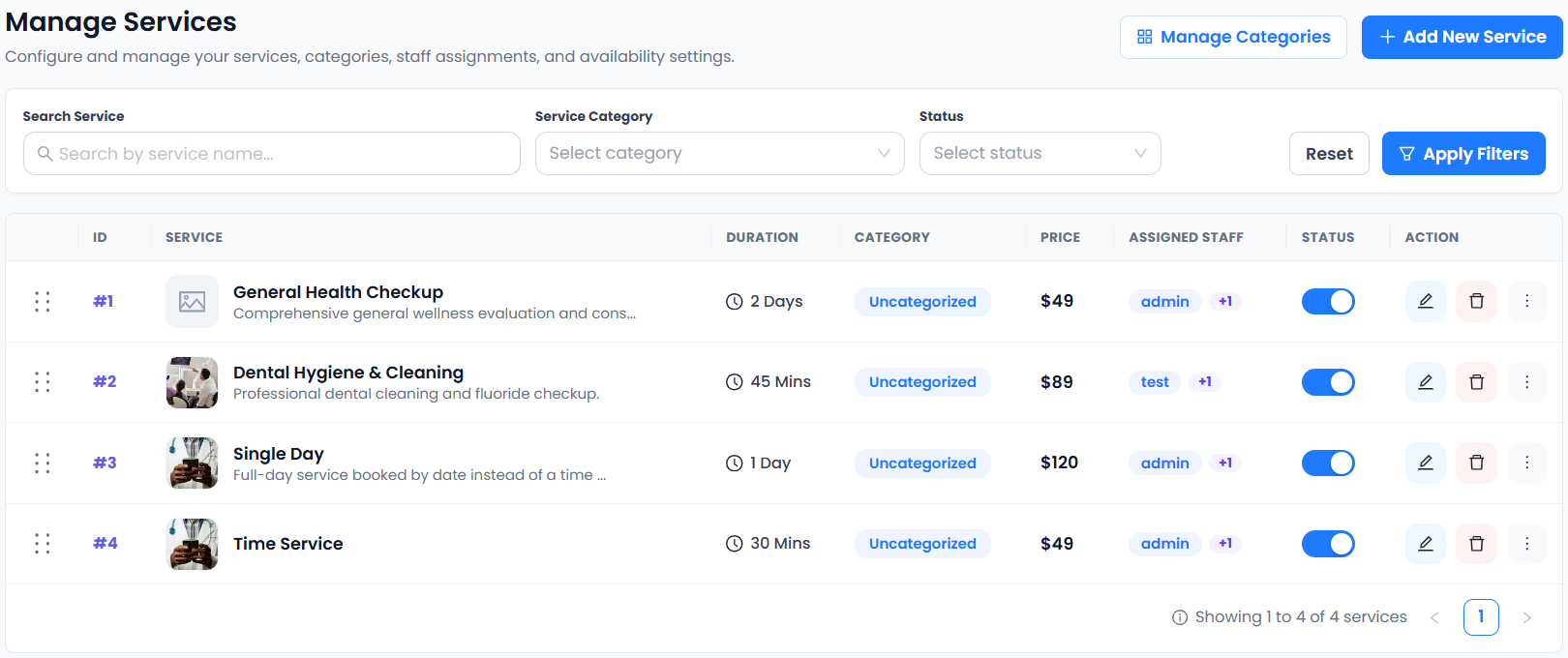
Accurate Scheduler includes unlimited staff, shifts, holidays and buffer time in Free and paid plans. Staff Panel access requires a paid plan. Use the availability guide and buffer-time documentation to test tutoring lesson scheduling around real working limits.
3. Identify the appropriate booking contact
Decide who arranges and manages the appointment: an adult learner, parent, guardian or another authorized contact. Explain whose details belong in the booking form rather than assuming the person typing is always the attendee.
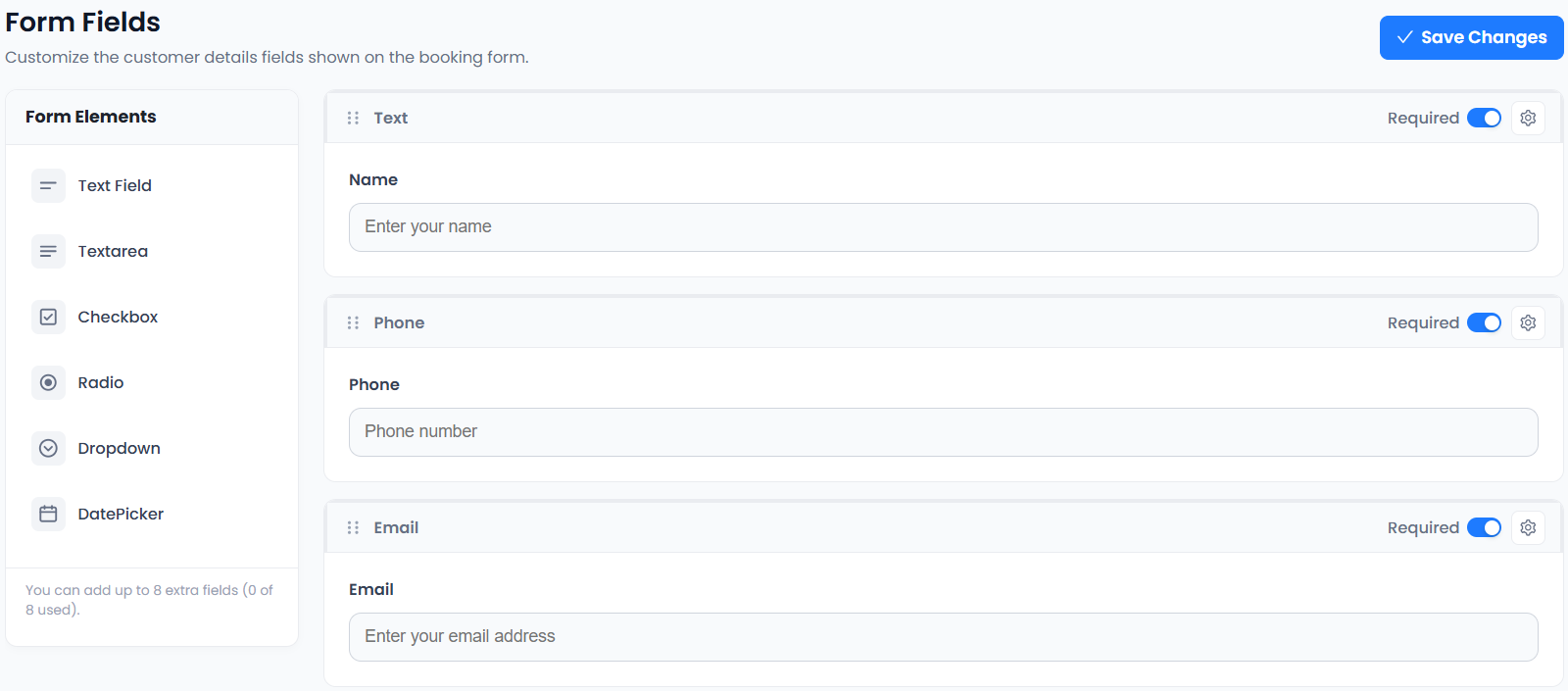
Keep tutoring lesson scheduling questions relevant to the appointment. Ask for a short subject or preparation note rather than uploading detailed personal or educational records into a general text box. Custom fields are included in Free and paid plans; see the custom-fields guide.
4. Test remote lessons across actual locations
For online sessions, identify the business timezone and check what the learner sees. New York, Chicago, London and Berlin do not share one clock. Test a real appointment date, including relevant daylight-saving changes, rather than reusing a fixed offset from memory.
Google explains its own calendar behavior in its timezone documentation. That is a useful reference, but your tutoring lesson scheduling flow still needs a separate end-to-end test. Read the cross-border appointment checklist for the booking-side checks.
5. Verify meeting and payment arrangements
Zoom integration is included in Accurate Scheduler Free and paid plans. Google Meet and Google Calendar two-way sync require a paid plan. A meeting link and an external calendar connection are different functions; test both if your teaching workflow depends on them.
Explain whether the session is paid, how much it costs and what happens if the learner needs to change it. Stripe and PayPal integrations are included on every plan, subject to provider eligibility and charges. Tutoring lesson scheduling does not replace your payment records or establish a package-credit system.
6. Distinguish one-to-one lessons from classes
An individual lesson reserves a tutor for one booking. A shared class allows several participants into one session. Define the pattern before configuring capacity. SuperSaaS documents separate schedule types, while Picktime describes a class-capacity feature.
These descriptions help frame the question, not prove that products behave identically. Accurate Scheduler offers Group Booking and Multiple Quantity, but do not assume term enrolment, attendance certificates or learning-management tools. See the group-booking checklist if your tutoring lesson scheduling includes shared sessions.
7. Run a sample lesson journey
Book one test lesson, check the tutor, date, duration and payment summary, then inspect the actual appointment record. Confirm that the intended recipient receives the message and the customer meeting link works. Test rescheduling using the supported customer process.
Review questions received during your first week and adjust confusing service descriptions. Explore education scheduling, check plan capacity and use the launch checklist. Effective tutoring lesson scheduling supports teaching administration; it does not guarantee student outcomes or demand.