Cyber Monday consultation offers can give a new customer a defined first step with your business. The useful starting point is a specific problem you can address in a short appointment, rather than a large discount attached to an unclear promise.
This guide is for consultants and other service businesses designing an introductory appointment. It covers scope, delivery, pricing and booking checks for customers in the US and Europe. The sample offer is a fictional business-planning session, not a claim about expected sales or a substitute for regulated professional advice.
1. Give Cyber Monday consultation offers one clear purpose
Choose one question the appointment can reasonably address. For example: “Review one existing enquiry-to-booking process and identify three practical improvements.” That is easier to evaluate than “Transform your business in 30 minutes.”
Write who the service suits and what information the customer should have ready. If the service is an assessment rather than a complete project, say so. Avoid promising an outcome you cannot control, such as guaranteed revenue, search rankings or a fixed number of new clients.
2. Define the deliverable before setting a discount
Specify the appointment length, format and takeaway. A fictional offer might include a 30-minute online conversation about one booking process and a short list of agreed next steps. It would exclude implementation work, ongoing support and review of unrelated systems.
Only promise a written summary if you can actually prepare and deliver it within your capacity. Include that follow-up time in the offer’s cost. An attractive introductory price should not quietly create an unpaid project after the meeting ends.
3. Choose a price you can explain honestly
Base the offer on the work required and the audience it serves. If you advertise a reduced price, verify that the reference price and savings claim are genuine. A newly created service can simply have a clearly stated introductory price without a manufactured crossed-out price.
State the actual currency and payment timing. For US and European visitors, do not present the same unqualified dollar symbol as if it represents every local currency. Explain any required deposit and remaining balance in the booking summary, then test the result with the checkout checklist.
4. Allocate time for delivery and follow-up
Choose a small number of appointments your business can deliver well. Include preparation, the meeting itself, any promised summary and an appropriate gap before the next appointment. Your calendar may have fewer usable slots than the number of hours you are nominally open.
For example, two hours might support two 30-minute conversations plus preparation and follow-up, depending on your actual process. That example is not a software capacity guarantee. Use your own capacity worksheet and existing commitments to set an allocation.
5. Make the booking page usable without a large website
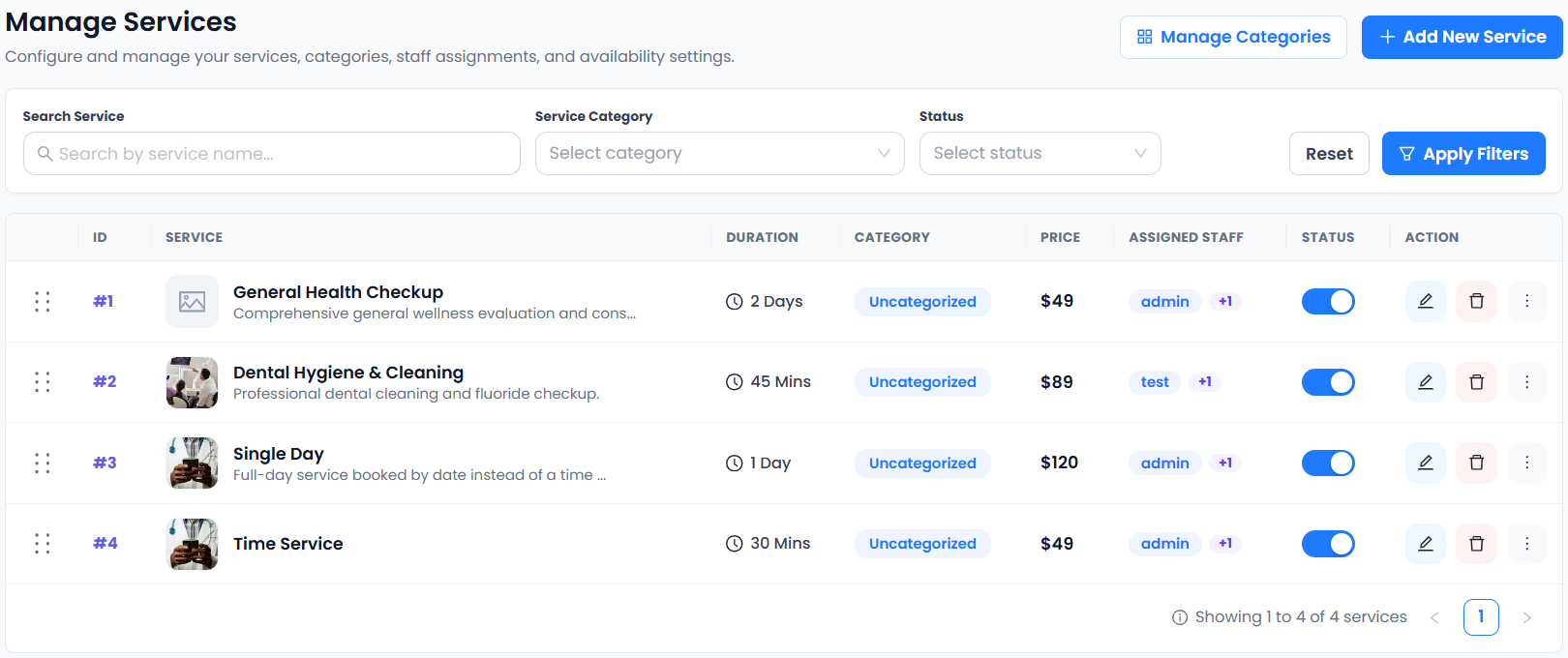
Describe the consultation in a clear service listing and send prospects to a tested booking destination. A startup can begin with a focused appointment page while it develops the rest of its marketing website. Check the public page from a phone without an administrator session.
Accurate Scheduler provides service configuration and a booking workflow; review the paid consultation setup guide for the steps. Competitors also offer customer-facing scheduling pages: Picktime lists its booking-page feature. Compare the workflow your customer needs rather than assuming every system includes the same plan features.
6. Check meeting details and time zones
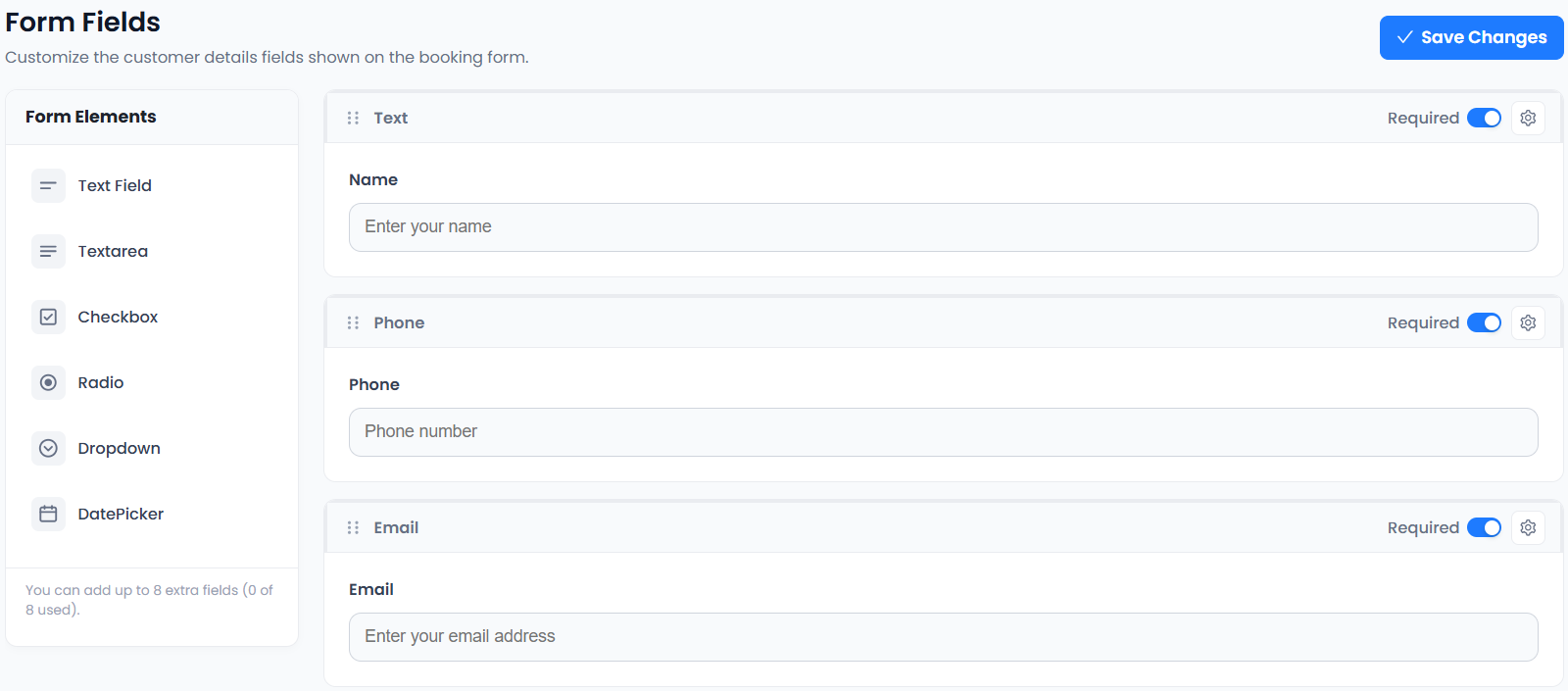
For an online consultation, state how joining instructions will arrive and verify the configured meeting integration. Do not describe every video-meeting option as a free-plan feature. Accurate Scheduler’s current plan comparison distinguishes paid features from those available on the free plan.
When taking appointments across regions, make the displayed time zone easy to understand and confirm it in the booking details. Do not assume US and European clock changes always occur on the same date. Test your actual November appointment display before advertising times to a cross-border audience.
7. Review the offer as a first-time customer
Read the promotion, service page, checkout and confirmation in sequence. Check that each describes the same scope, price, deadline and service period. A coupon’s redemption window and the dates on which you deliver consultations are separate details.
Keep the customer discount settings separate from software subscription promotions. Then measure accepted appointments, attendance and collected payments. A small campaign that attracts suitable clients and delivers a useful first appointment is a better operational starting point than a vague promise of unlimited consultations.
Set up your next step: Accurate Scheduler is designed for service-based businesses. Review a focused introductory consultation in the live demos, then compare the current plans and included features before choosing your setup.