

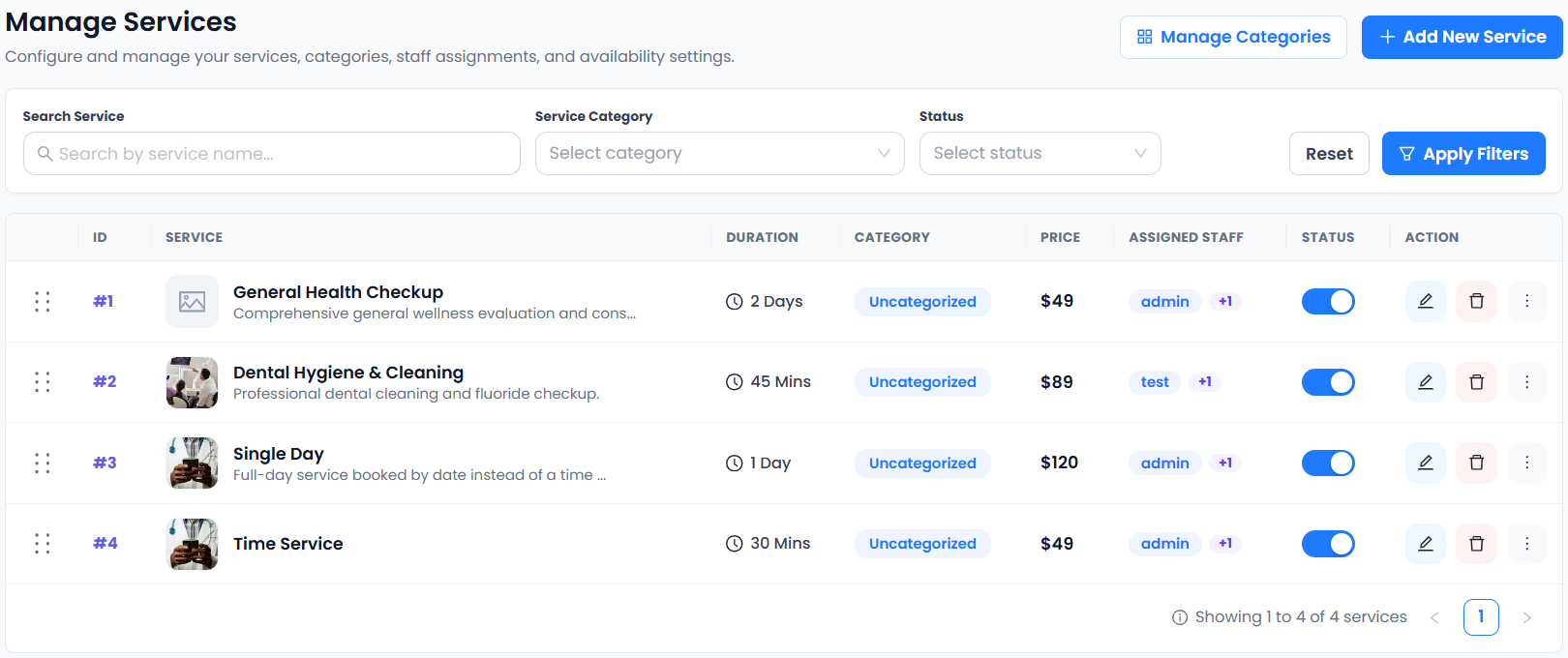
Useful service description examples explain what the customer is choosing before they open the calendar. A title such as “Session” or “Visit” rarely gives enough information on its own. Add the purpose, duration, delivery format and the next step, then keep the wording consistent with the actual booking setup.
The seven rewrites below are original illustrative examples for US, UK and European service businesses. They are not ready-made promises about your own business. Replace the sample durations and terms, remove anything you do not provide and verify the saved customer page before sharing it.
1. Replace a vague consultation title
Before: “Book a call.” After: “Introductory business consultation — a 20-minute online conversation to discuss your current problem and whether our services fit. This is an introductory discussion, not a completed project or a guaranteed recommendation.”
These service description examples separate the conversation from later work. Configure the same duration and delivery format in your service. If the appointment is paid, show the actual price rather than leaving the customer to discover it at checkout. Read the paid consultation guide for the operational checks.
2. Clarify a salon consultation
Before: “Hair appointment.” After: “Hair-service consultation — discuss your requested service with a stylist and review the next appointment options. The treatment is booked separately. Allow [your actual duration] and contact us with questions about the visit.”
A good rewrite does not make a suitability or safety promise. The professional still decides what is appropriate through the business’s own process. In service description examples for salons, distinguish a conversation, a treatment and an optional extra so customers do not select the wrong appointment.
3. Make an individual tutoring lesson specific
Before: “Tutoring.” After: “Individual algebra lesson — one-to-one support for [the level you teach], delivered [online or at the stated location]. Bring one topic or question you want to work on. This booking reserves one lesson rather than a full course.”
Adapt the wording to the actual learner and booking contact. Do not promise a grade improvement or imply a recurring programme if only one appointment is configured. Keep service description examples aligned with subject, tutor availability and the meeting route you have tested. See education scheduling.
4. Separate a cleaning estimate from the job
Before: “Cleaning visit.” After: “Cleaning estimate appointment — discuss the requested work and review the property details needed for an estimate. This reserves an assessment appointment, not the cleaning itself. We confirm service-area suitability through our normal enquiry process.”
These service description examples make the status of the visit clear. Add your genuine fee and delivery format, whether by phone, online or at the property. Do not imply automatic quotation, route planning or an agreed job price merely because a customer can choose an appointment.
5. Describe a short photography session accurately
Before: “Mini shoot.” After: “Portrait mini session — [your actual shooting time] at [the genuine location], for [the group size you accept]. The session includes [your agreed deliverables]. We explain image selection and delivery through our separate customer process.”
Avoid using service description examples to imply a gallery, digital contract or image-rights workflow your scheduling tool does not provide. The shoot duration, service price and confirmation should agree with the description. Review photography appointment planning before opening the calendar.
6. Explain a follow-up appointment
Before: “Follow-up.” After: “Client follow-up session — review the actions discussed in your previous consultation and agree the next step. This service is intended for existing clients. Choose a suitable available time or contact us if your request needs a different appointment.”
If the business cannot automatically restrict the booking to existing clients, do not imply that the wording enforces access. State the intended audience and verify any actual controls. Service description examples should explain requirements honestly rather than act as a substitute for software settings or staff review.
7. Keep shared workshops distinct from private services
Before: “Training.” After: “Introductory workshop — join a shared session on [topic] at [location or online format]. Reserve the number of places allowed by the booking flow. Check the displayed total and contact us about accessibility or preparation questions before booking.”
Verify capacity, quantity and price rules before using the text. SuperSaaS documents different schedule types; Picktime describes shared classes. Similar names do not guarantee identical behavior. Review group-booking checks rather than assuming workshop text creates capacity controls.
Check service description examples against the live page
Compare every rewritten description with its duration, price, staff assignment and available time. For US and European readers, make location, currency and date conventions understandable without inventing local offices or automatic conversion. Ask a colleague unfamiliar with the service to explain what they think they are booking.
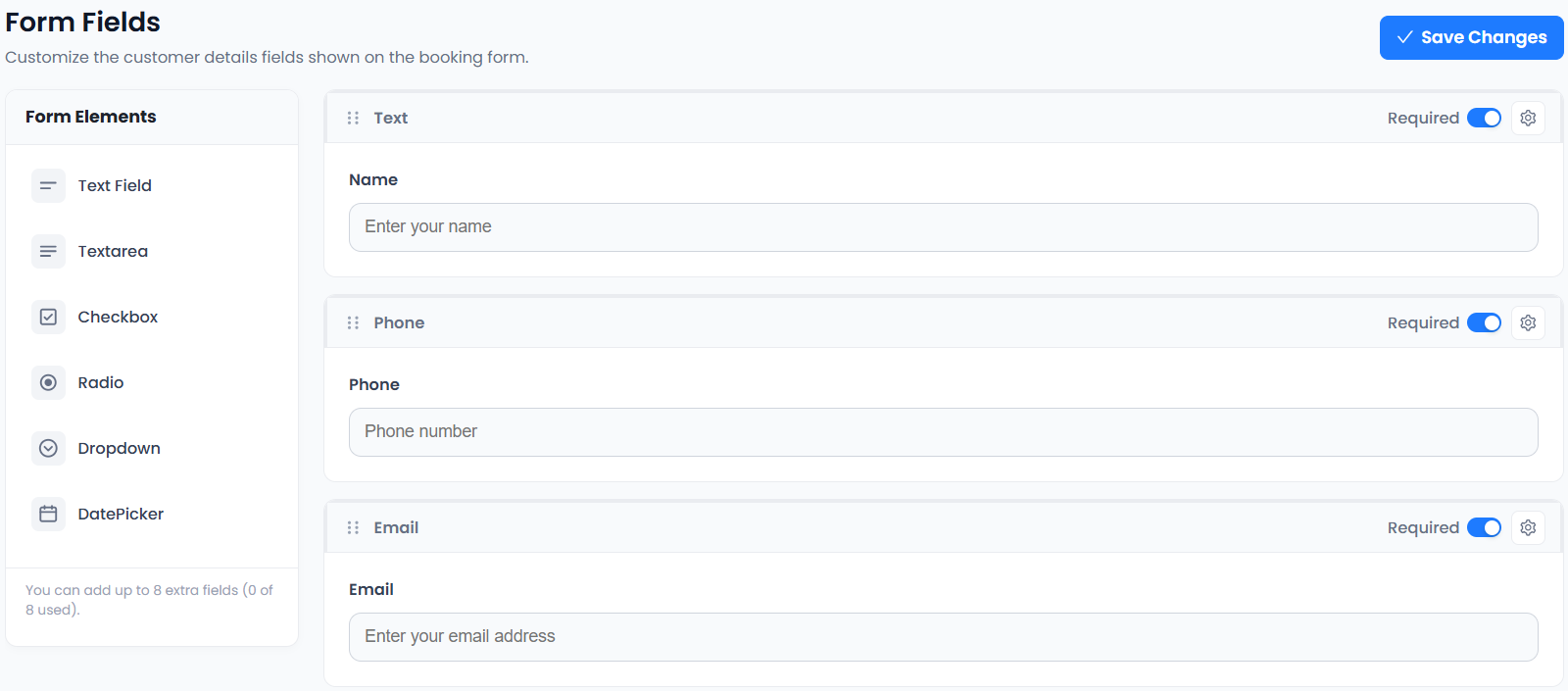
The W3C guidance on clear form labels is useful when checking the questions that follow the description. Accurate Scheduler includes unlimited services and custom fields in Free and paid plans, with appointment limits. Use the service editor guide, try the booking demos and verify a complete test appointment. Clear service description examples support customer understanding; they do not guarantee bookings or rankings.