Black Friday off-peak booking offers aim to fill genuinely quieter service times without discounting every appointment. The essential distinction is between when a customer makes a booking and when your business delivers the service. Those two dates can require different settings and different customer-facing wording.
This guide explains seven checks for a small service business considering quieter-slot pricing. It uses fictional figures to show the calculations, not to recommend a universal discount. Decide whether an offer is worthwhile from your own delivery costs, actual availability and service demand before promoting it.
1. Identify a real Black Friday off-peak booking opportunity
Review your actual appointment history and staff commitments. Identify a service period that is regularly quieter and can still be delivered properly. Do not assume every weekday morning is quiet or that the same pattern applies to every service, location or season.
Choose a narrow scope, such as one service on selected weekday afternoons during a stated period. That gives you a specific configuration to test. An empty calendar caused by unavailable staff is not promotional capacity; confirm the business can accept and fulfil the work first.
2. Keep booking dates separate from service dates
Write two lines in the offer brief: “Book between [redemption dates]” and “Valid for appointments on [service dates and times].” A coupon accepted during a campaign does not by itself prove that the service must occur in your intended quieter period.
Use coupon controls for the supported redemption and eligibility requirements. Use service-date pricing conditions where appropriate, and test the combined result if you use both. Do not advertise stacking discounts or date restrictions that you have not confirmed in the customer workflow.
3. Understand replacement prices before configuring rules
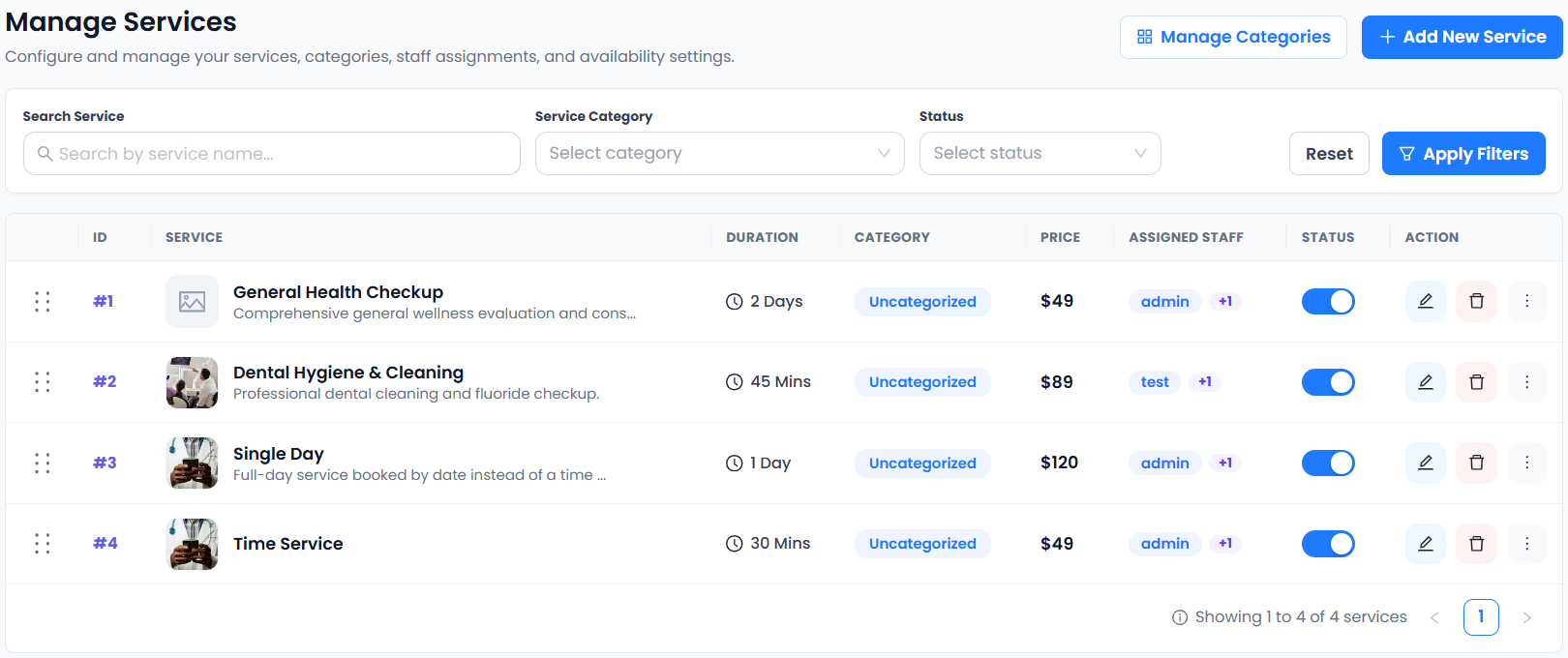
Accurate Scheduler’s Price Rules guide describes rules that replace a service price when their conditions match. A replacement price is not an extra charge and is not a percentage discount field. Price Rules are a paid-plan feature; check the current plan comparison.
For a fictional service normally priced at 70 currency units, a replacement of 55 means the configured service price becomes 55 when the rule applies. It does not become 125, and entering 15 does not mean “take 15 off.” Confirm the final customer summary before sharing the offer.
4. Test every condition at the boundaries
The documented rules include weekday conditions and advanced options for time ranges, specific dates and staff. Conditions within a rule must match together. Configure only what your actual offer requires, then test appointments inside and outside each condition.
For example, inspect a matching weekday, a nonmatching weekday, a time just before the stated window and a time after it. Check the start and end dates as well. If rules overlap, verify the observed result in your setup rather than assuming a priority order or promising a discount combination.
5. Check whether the reduced price supports the work
Estimate the direct cost of delivering one additional appointment, including paid staff time and materials. Include payment costs and any preparation or follow-up your service requires. Compare the remaining contribution with the operational effort and the possibility of replacing a full-price booking.
For illustration only, a 55-unit price with 30 units of direct delivery costs leaves 25 before other expenses. It is not 25 units of net profit. Fixed costs, taxes where applicable, cancellations and extra campaign spending can change the eventual result. Use your own figures rather than copying this example.
6. Protect capacity and explain exclusions clearly
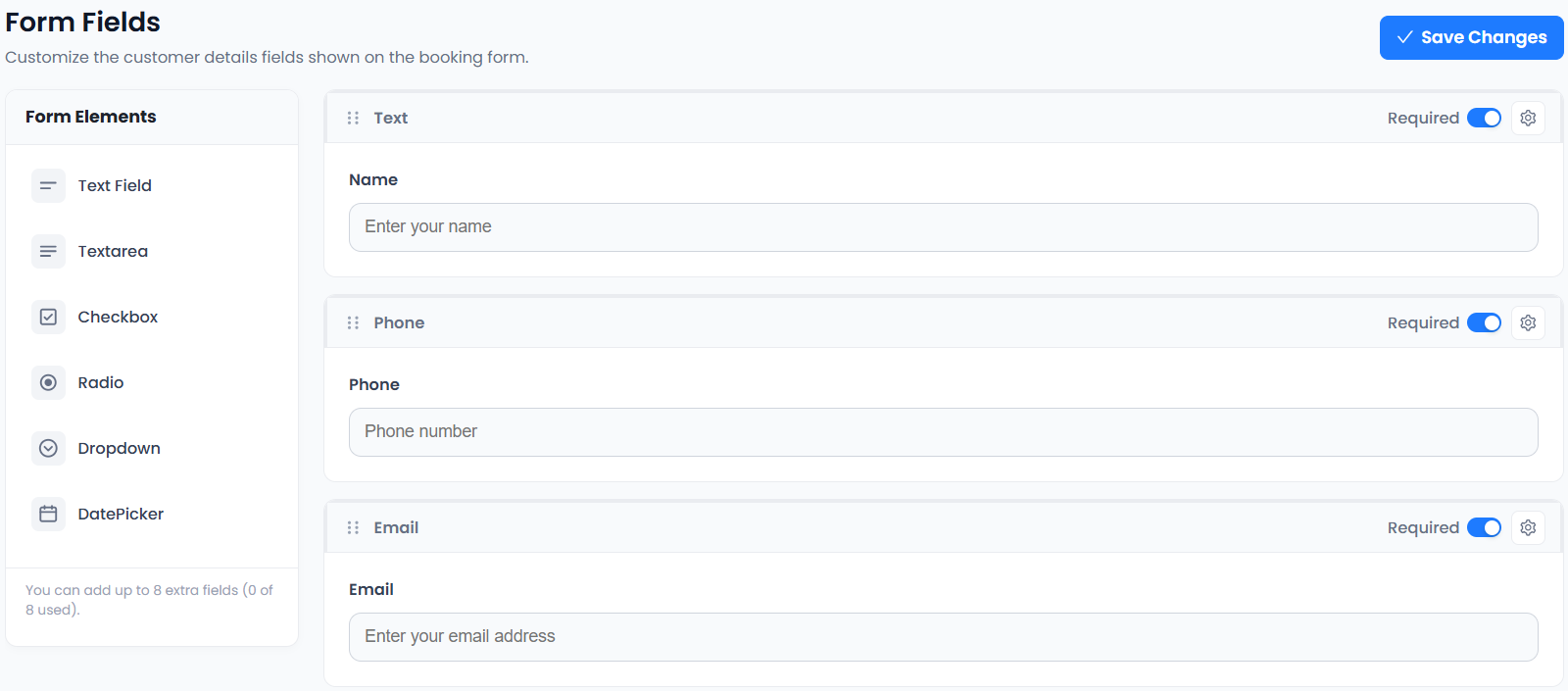
Define how many promotional appointments the team can deliver and check existing bookings. Use the capacity worksheet to account for duration, necessary gaps and other commitments. A price rule changes pricing; it does not create additional staff hours.
Write a short offer statement naming the service, price and currency, service-date window and any booking deadline. Avoid claiming an automatic promotional inventory limit unless you have verified that behaviour. Keep a documented process for reviewing availability and updating the offer when the allocation is used.
7. Compare actual results with your original purpose
After the service period, review accepted appointments, completed work and collected payments. Ask whether the offer filled useful quieter time or simply moved customers who would have booked at the regular price. The answer may differ by service and week.
SuperSaaS also documents time-based discounts and campaign coupons; these are distinct pricing approaches worth testing in any scheduling system. For your own campaign, use consistent tracking and the actual payment records before deciding to repeat or expand the offer.
Set up your next step: Accurate Scheduler is designed for service-based businesses. Review service-date pricing conditions in the live demos, then compare the current plans and included features before choosing your setup.