Your Cyber Monday booking checkout needs to turn an advertised offer into an accurate appointment. A customer should see the right service, discount, payment requirement and booking status without guessing what happened after clicking the final button.
This guide gives a small service business seven practical tests before its campaign opens. Cyber Monday falls on November 30 in 2026; Black Friday is November 27, according to Amazon’s 2026 shopping-event calendar. Those dates do not automatically define your own promotion. Choose your booking window and service dates, then test the offer you actually intend to run.
1. Define a successful Cyber Monday booking checkout
Write the expected result before testing: service name, appointment date, staff selection where relevant, normal price, discount and amount due now. If a deposit is required, distinguish it from the total service price and any remaining balance.
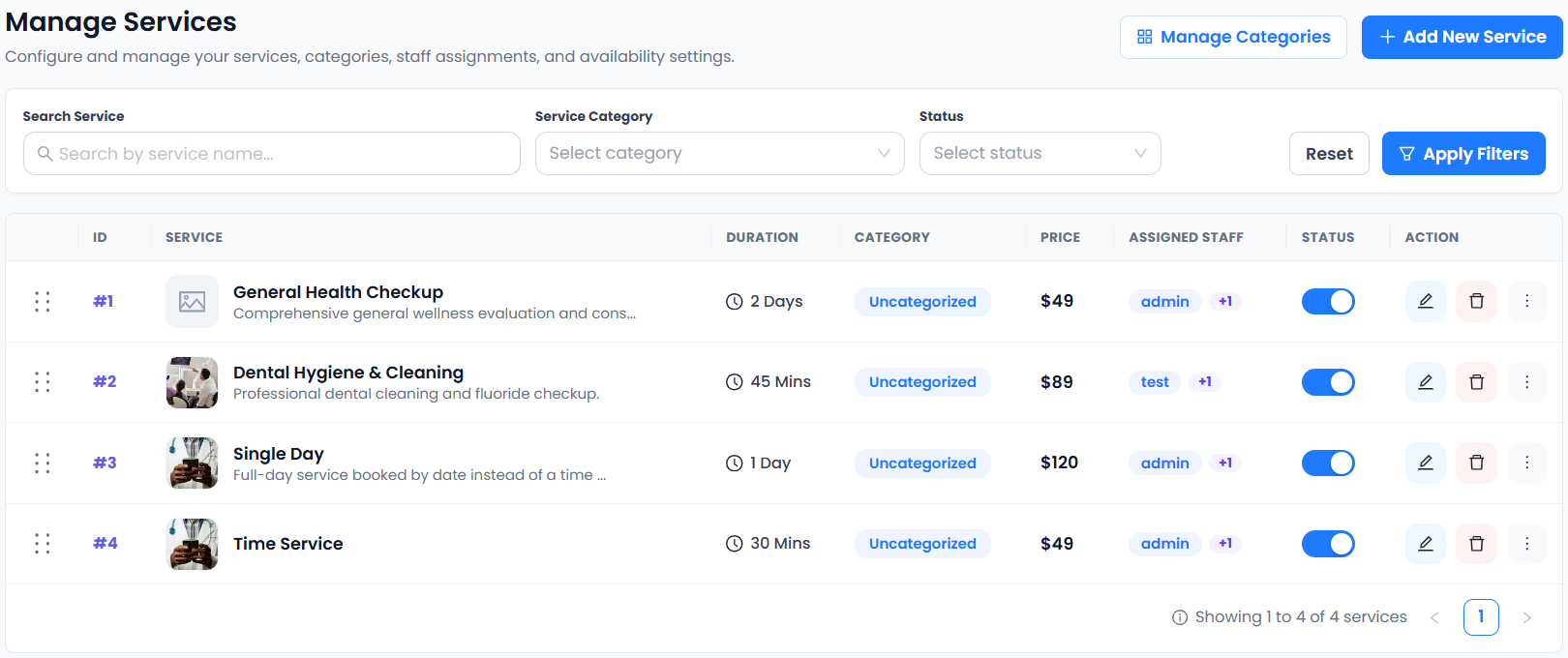
Use a service that your business genuinely provides. Compare the advertisement with the selected service in service settings and the final booking summary. A successful test means the customer receives the promised appointment on the stated terms, rather than simply reaching a payment screen.
2. Check both eligible and ineligible discounts
Test one booking that qualifies and another that does not. Examples include a different service, an order below your minimum or a customer outside your defined eligibility. Confirm the eligible case receives the intended reduction and the ineligible case does not.
Accurate Scheduler’s coupon settings include discount amounts, eligibility and usage controls on paid plans. Check your saved configuration rather than assuming the code covers every service. Use our booking coupon checklist to document the cases.
3. Test the selected payment method safely
For an online-payment test, use the payment provider’s supported sandbox or test environment and its documented test credentials. Stripe’s testing documentation explains testing without moving real money. Verify the connection and mode before entering any test payment details.
Do not use a real card to simulate a failure or assume every gateway handles test payments in the same way. Provider availability, account approval and fees are separate from your scheduling subscription. Review the booking result and the provider’s test transaction together; a loaded payment page alone does not prove payment succeeded.
4. Review failed payments and interrupted visits
In the appropriate test environment, inspect a declined-payment outcome and an interrupted visit. Record what the customer sees, whether an appointment record exists and which status it has. Avoid promising automatic cancellation or slot release until you have verified your actual workflow.
Write a short support response explaining how a customer can check an uncertain booking. Your team should know where to look before asking someone to try again. Clear recovery instructions reduce confusion when a customer closes a tab or returns from a payment-provider page.
5. Inspect retries before asking customers to repeat payment
Use a controlled test to check returning to the booking page after an unsuccessful attempt. Compare booking references and provider transaction references, and check for duplicates. Stop testing if the environment or payment state is unclear.
The practical question is whether a customer can tell an unsuccessful attempt from an accepted booking. If that answer is unclear, improve the instructions or investigate the integration before sending campaign traffic. Do not tell a customer to pay again until staff have checked the original attempt.
6. Read confirmations as a customer
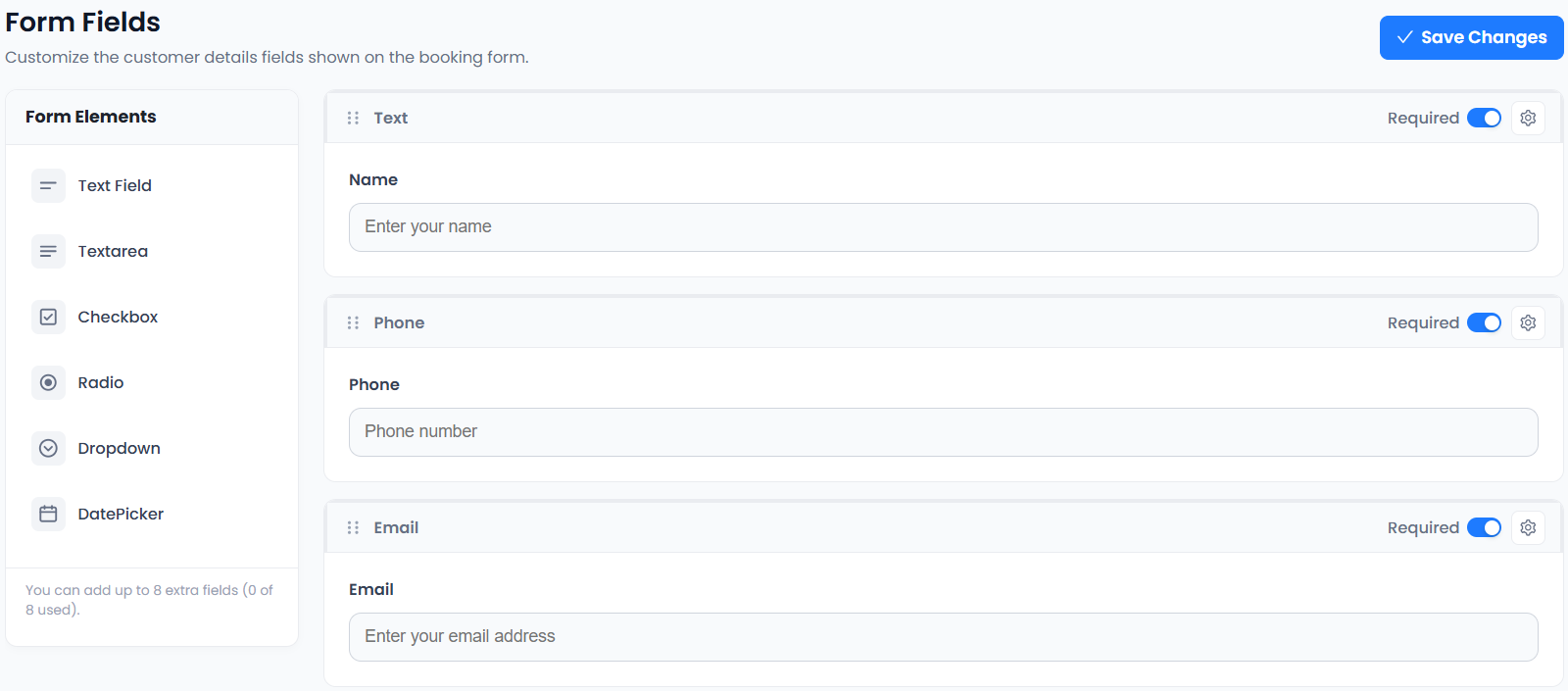
Open the confirmation on a phone and a desktop. Check service, date, time zone where relevant, location or meeting arrangements, payment instructions and the contact route for help. Confirm the language agrees with the booking summary.
A booking accepted with payment on arrival is different from an online payment that has settled. Your receipt, confirmation and staff process should reflect that distinction. Keep the customer-facing promise narrow: what has been booked, what is owed and what happens next.
7. Record evidence before opening the campaign
Keep a simple test log with scenario, expected result, actual result and the person who checked it. Include eligible discount, ineligible discount, payment success, payment failure and an interrupted visit. Recheck affected scenarios whenever you change the offer or payment setup.
Finish by reviewing the offer-page wording and campaign tracking plan. Accurate Scheduler’s documented purchase analytics event represents a confirmed booking, including payment-on-arrival bookings; use payment-provider records to verify collected revenue.
Set up your next step: Accurate Scheduler is designed for service-based businesses. Review your service and payment workflow in the live demos, then compare the current plans and included features before choosing your setup.