Black Friday campaign tracking should tell you which promotion leads to useful appointments, not just which link receives the most clicks. A service business needs to connect campaign visits with accepted bookings, payment records and the work it can actually deliver.
Start with a small measurement plan before buying traffic or posting an offer. This guide explains seven checks for businesses serving US and European customers, including regional campaign naming, booking-event verification and a simple results worksheet. The examples are illustrations, not expected conversion rates or revenue forecasts.
1. Choose one Black Friday campaign tracking question
Choose a decision your results can answer: which permission-based email brings qualified consultations, which social post fills a quiet weekday, or whether a paid promotion costs more than the contribution it creates. Avoid starting with a dashboard containing every available metric.
Write the offer, target service, booking window and intended service dates in the same worksheet. Give each campaign a consistent identifier. Keep operational outcomes alongside marketing measures so a high click count cannot hide cancellations, uncollected balances or unsuitable appointments.
2. Use a consistent UTM naming convention
Give campaign links a source, medium and campaign name. For example, an email link could use utm_source=customer_newsletter, utm_medium=email and utm_campaign=bf2026_consultations. Use utm_content to distinguish two genuinely different calls to action when that comparison matters.
Google’s guidance on URL builders explains how campaign parameters populate acquisition reporting. Keep capitalization consistent and never put customer names, email addresses or other personal information in these link values. Test the finished link before distributing it.
3. Separate regional campaigns without claiming a visitor’s identity
If your US and European offers differ, use clear campaign or content labels for the actual versions you distribute. For example, label a euro-priced landing page separately from a dollar-priced one. That is a record of the campaign version, not proof of a visitor’s nationality.
Use explicit currency codes where a dollar sign could be ambiguous, and show the applicable booking time zone. Do not infer an individual person’s identity from an analytics location. Aggregate reports help compare demand; individual support questions should use the booking details the customer chooses to provide.
4. Verify the booking funnel before launch
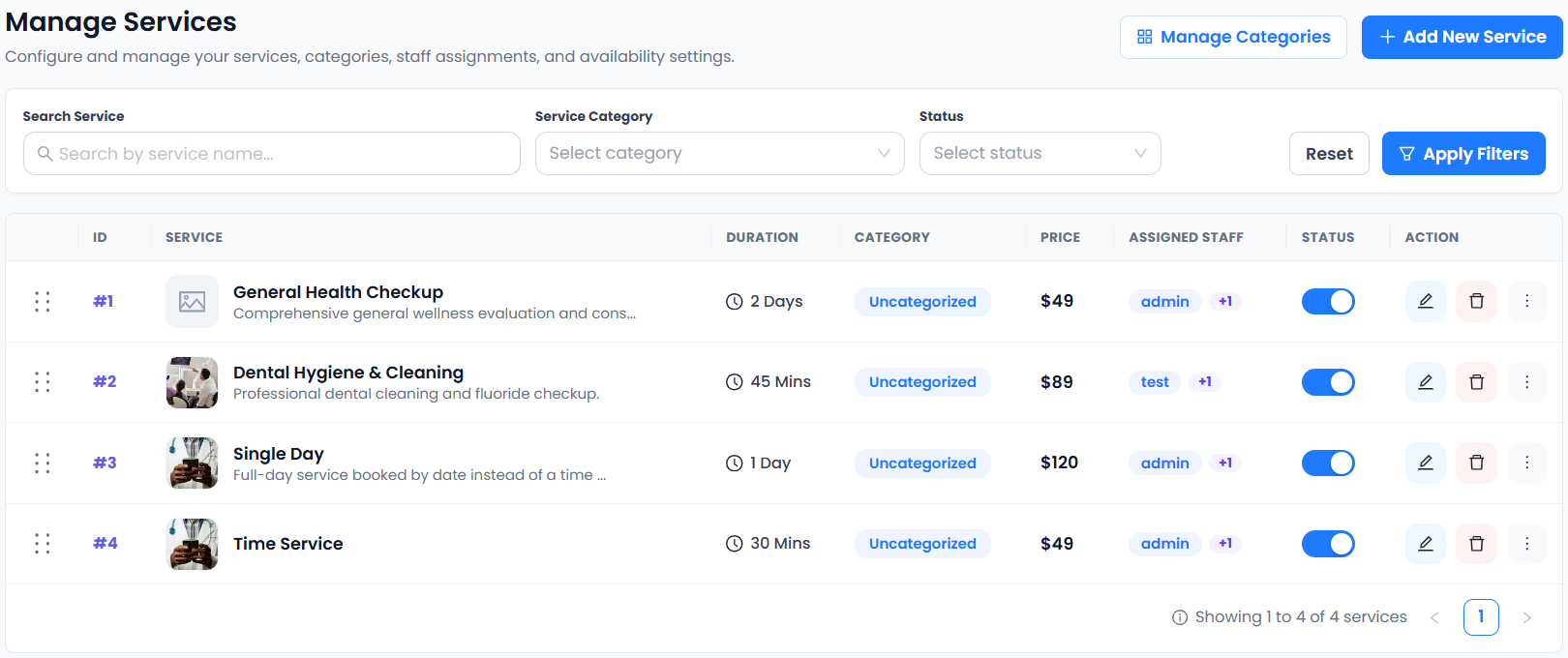
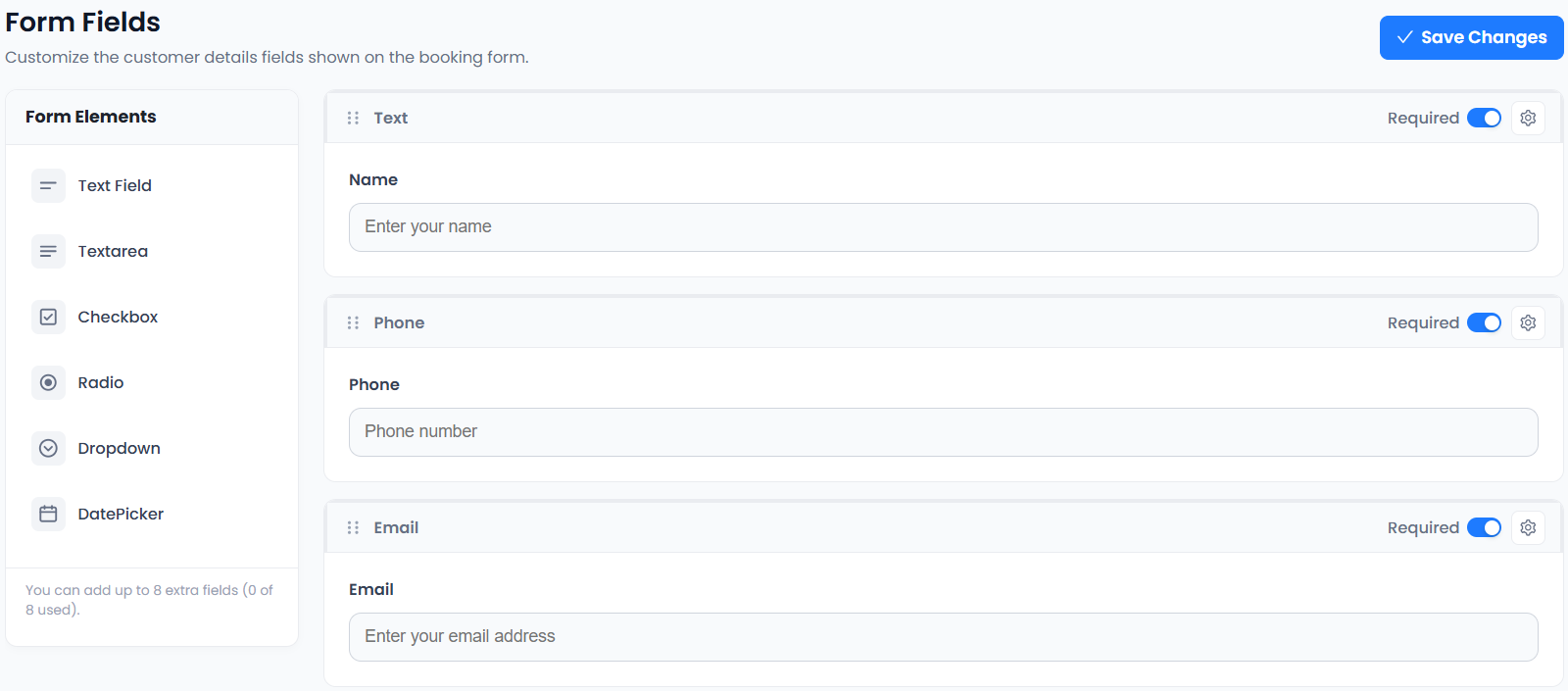
Accurate Scheduler’s Google Analytics integration guide documents view_item for service selection, begin_checkout at the information step, add_payment_info at the payment step or method change, and purchase when a booking is confirmed. Check the integration’s Measurement ID and consent requirements.
Run a controlled booking and inspect the events that actually arrive in your configured property. Do not create a second copy of the same tracking tag just to get more events. A repeated visit, blocked tracking or a consent choice can affect measurement; compare the analytics view with real booking records.
5. Distinguish accepted bookings from collected money
A purchase event in this booking integration can include payment on arrival. It is therefore not sufficient evidence of cash collected. Reconcile accepted appointments with the relevant payment-provider records and later attendance or completion records.
Record cancellations, refunds and remaining balances separately. Avoid treating the full appointment price as profit: payment fees, staff time and other delivery costs can change the result. Our checkout test guide helps check the customer journey before measurement starts.
6. Keep a small results worksheet
Use columns for campaign, visits or clicks from the named tool, accepted bookings, paid amount, completed services and direct campaign spend. Label the source of each number. If email software reports clicks while Analytics reports sessions, preserve those labels rather than presenting them as identical measures.
For an illustrative example, 20 recorded clicks and four accepted bookings give four bookings per 20 clicks in that dataset. That does not establish four completed services, four payments or an industry benchmark. Inspect the actual records before deciding whether to expand the campaign.
7. Make one evidence-based adjustment at a time
If visits arrive but few customers start booking, inspect whether the offer page explains service scope and price. If customers start checkout but do not finish, check the tested booking and payment steps before changing the discount.
If accepted appointments exceed the work you can deliver, pause or adjust promotion based on your capacity worksheet. Accurate Scheduler is designed for service businesses; use the current plan comparison to choose the appointment allowance and paid features your workflow actually needs.
Set up your next step: Accurate Scheduler is designed for service-based businesses. Review a measurable service-booking journey in the live demos, then compare the current plans and included features before choosing your setup.