Black Friday appointment capacity is the amount of work your team can actually deliver, not the number of people who click a promotion. Start with available staff time, subtract existing commitments and leave room for preparation and ordinary operational changes.
This guide provides an illustrative worksheet for service businesses in the US, UK and Europe. It is a planning exercise, not a forecast of demand or a guarantee that any scheduling tool can enforce every allocation automatically.
1. Define your black friday appointment capacity plan
Decide when the promoted appointments will happen, not only when customers can buy or book them. A Black Friday sale might fill a later weekday rather than the sale weekend itself. Write down those two periods separately.
Black Friday 2026 is November 27 and Cyber Monday is November 30, as confirmed in this published calendar reference. Those shopping dates do not define your own offer expiry. Use the actual service dates and business timezone when planning Black Friday appointment capacity.
2. Start with genuine staff hours
Review the people who provide the service and their working availability on the intended dates. Remove holidays, breaks, meetings and work already committed elsewhere. Do not count every employee’s entire day if only some are qualified or assigned to the promoted service.
Accurate Scheduler includes staff shifts and holidays on every plan. Staff Panel access is paid-only. Check the availability guide and review actual staff assignments. Black Friday appointment capacity should reflect the person who can perform the appointment, not a generic opening-hours label.
3. Include preparation and changeovers
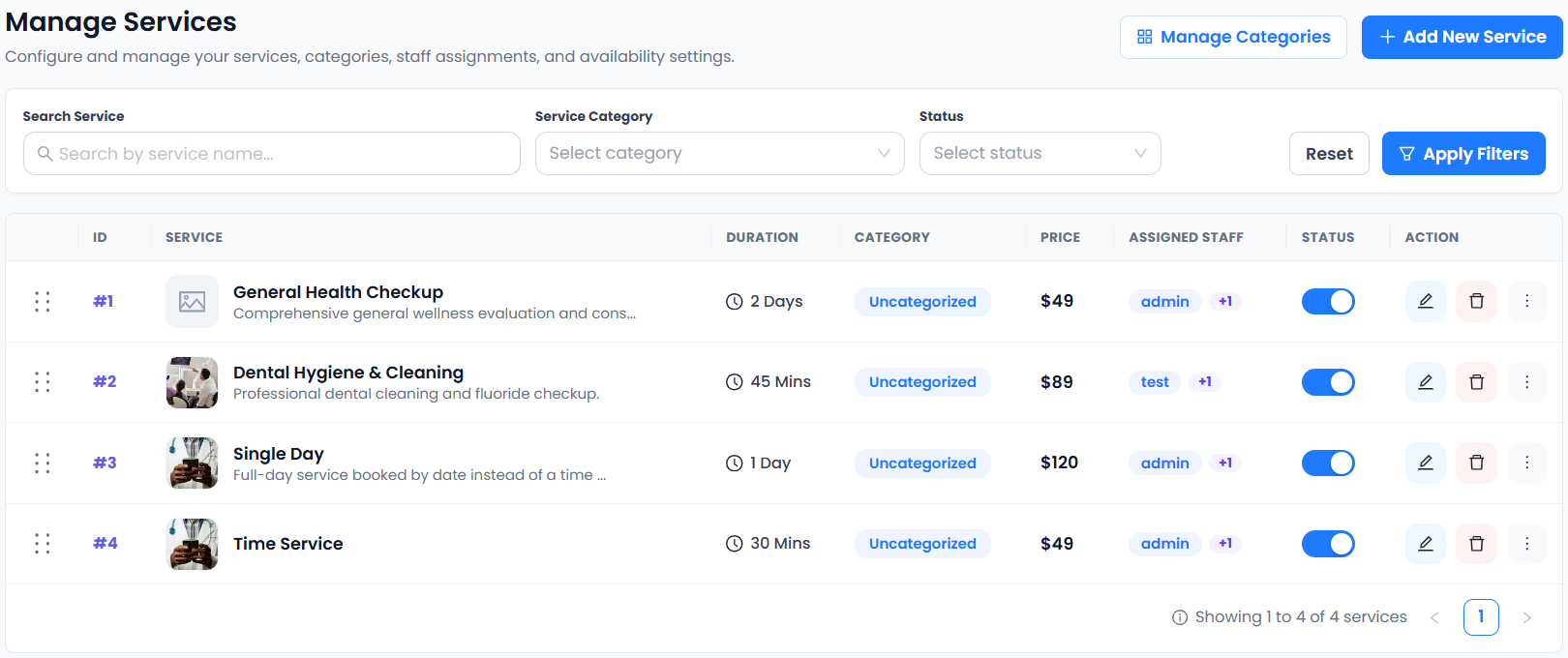
For a planning example, a 45-minute appointment plus a 15-minute changeover occupies a 60-minute cycle. A four-hour block could contain four complete cycles before additional breaks or constraints. Adjust the inputs to your service rather than copying the example.
A buffer and the spacing of offered start times are not interchangeable. Read the buffer-time guide and test the displayed availability. Black Friday appointment capacity calculations need to match the behavior of your saved services.
4. Subtract existing bookings before allocating the offer
If a sample staff member has four usable cycles and two are already committed, the remaining two are only a starting ceiling. Consider whether both should be promotional or whether one should remain available for ordinary enquiries or changes.
Record the worksheet as working hours, blocked time, service cycle, existing commitments and proposed promotional places. A coupon-use limit does not automatically reserve those specific places. Check the actual customer-facing availability before announcing Black Friday appointment capacity.
5. Keep business capacity separate from plan allowance
Your subscription’s appointment allowance and your team’s delivery capacity are different limits. A large plan does not add working hours, and an empty diary does not remove a plan limit. Estimate both before inviting a high volume of bookings.
Accurate Scheduler paid allowances are listed per month. Free has 60 appointments and up to 100 customers without a monthly-reset promise. Review current plan capacity and confirm how group quantities and rescheduled records count if that affects your choice.
6. Test combinations that share staff or time
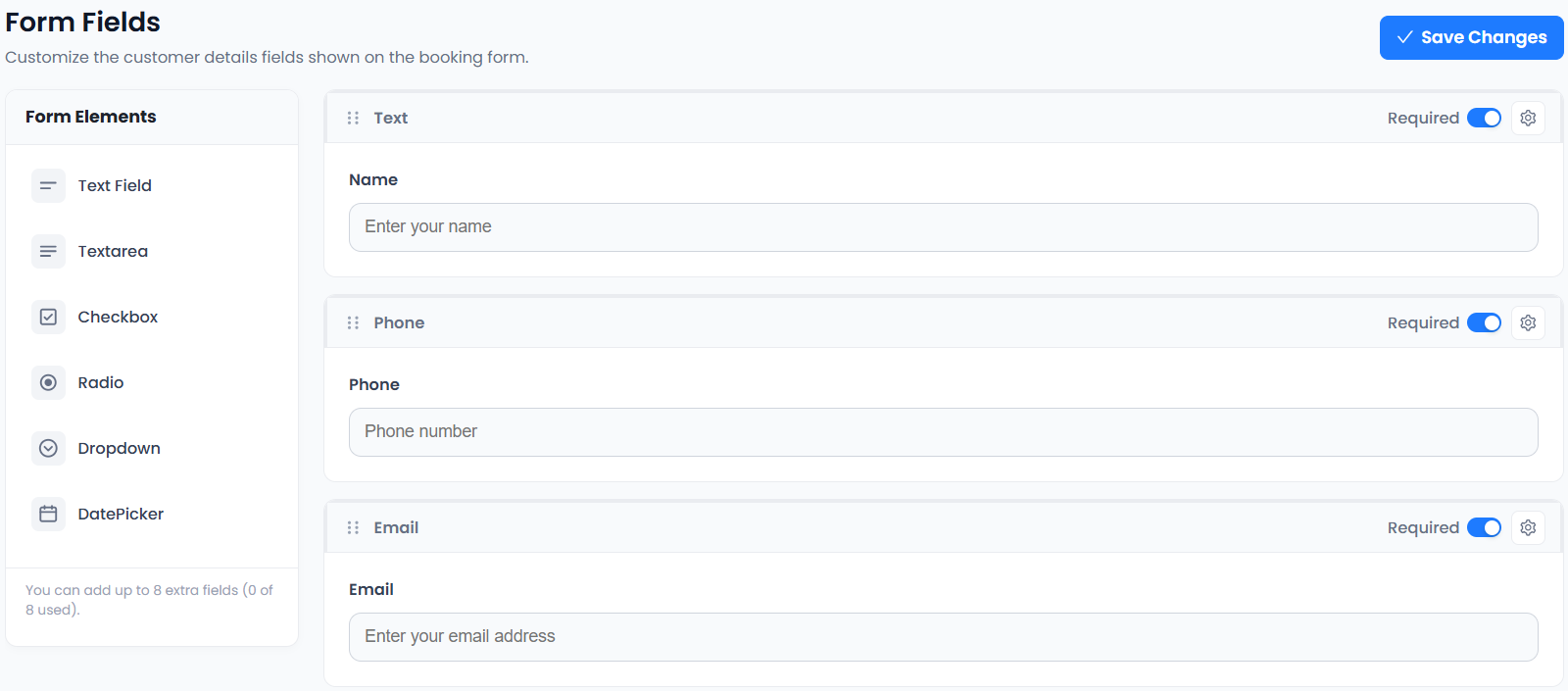
Two services can each look available in isolation but compete for the same professional. Test the real combination customers are likely to choose. If your workflow depends on a room, equipment or linked resources, verify those requirements rather than assuming staff scheduling covers them.
SuperSaaS explains different schedule models, and Picktime lists resource and team features. These descriptions help identify questions; they do not make every product equivalent. Black Friday appointment capacity must be tested against your actual configuration.
7. Set a review point and stop advertising unavailable work
Choose someone to check the diary and customer questions during the campaign. If the intended appointments fill, update the offer through the supported process instead of leaving misleading availability claims in old posts. Keep a contact route for customers who need help.
Review campaign tracking and the launch checklist. Measure attended appointments and completed work as well as reservations. Responsible Black Friday appointment capacity planning protects the service experience instead of chasing the largest booking count.
Set up your next step: Accurate Scheduler is designed for service-based businesses. Review staff availability and service durations in the live demos, then compare the current plans and included features before choosing your setup.