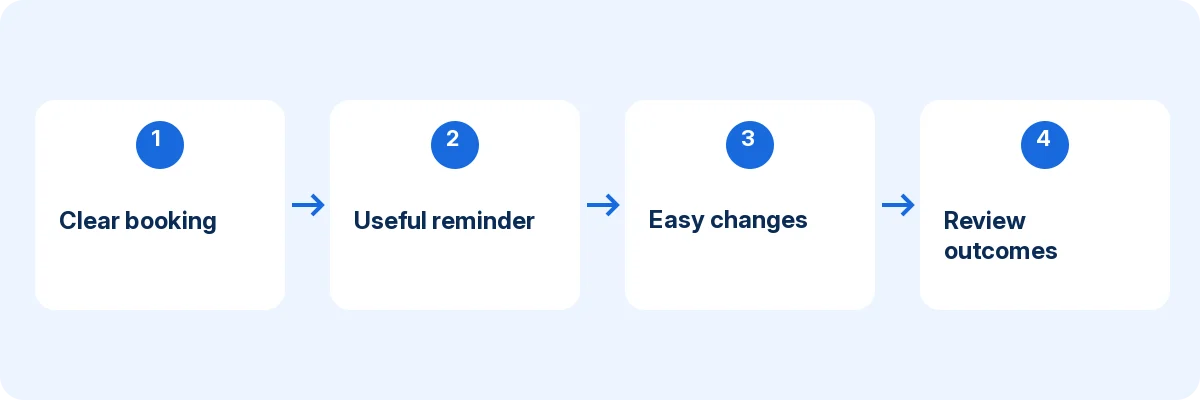
To reduce appointment no-shows, make appointments easier to understand, remember, attend and change. Reminders matter, but they are only one part of the journey. A customer who receives a reminder with the wrong location or cannot find a cancellation route may still miss the appointment.
The evidence is not equally strong for every tactic below. A Cochrane review of mobile reminders found improved attendance in healthcare settings compared with no reminders. That does not establish a universal percentage reduction for salons, consultants or other service businesses. Treat the remaining process improvements as practical strategies to test against your own attendance data, not twelve guaranteed outcomes.
In this article
Start with a useful definition
Define a no-show separately from an early cancellation, late cancellation, rescheduled appointment and staff cancellation. If all of those are recorded as “lost bookings,” you cannot tell whether customers are becoming more reliable or simply using the change route more often.
Choose a consistent denominator. For example, track customer no-shows divided by appointments expected to take place during the period, excluding appointments the business cancelled. Write the definition down and use the same method each time.
A hypothetical week with 50 expected appointments and four no-shows has an 8% no-show rate under that definition. The example is arithmetic, not an industry benchmark. Your starting point and service mix matter more than an unsupported average from another business.
1. Make the booking itself unambiguous
Before confirmation, show the service, date, time, location and price or payment arrangement clearly. A customer should not need to infer whether the selected time is a request, a confirmed appointment or an arrival window.
Test the booking from a phone and ask someone unfamiliar with the business to explain what they booked. If their answer differs from the staff expectation, correct the description. Better wording can prevent a misunderstanding before a reminder is ever needed.
2. Confirm the appointment promptly
Use the supported confirmation process and verify that the customer receives it. Include the essential appointment details and the next action, such as preparation or checking the location. A vague “thank you” message is not a substitute for a usable appointment record.
Test delivery with an external address or contact route appropriate to your system. Inspect the message as the customer sees it, including on a phone. Do not assume a successful booking proves that the confirmation reached the recipient.
3. Use reminders with a clear purpose
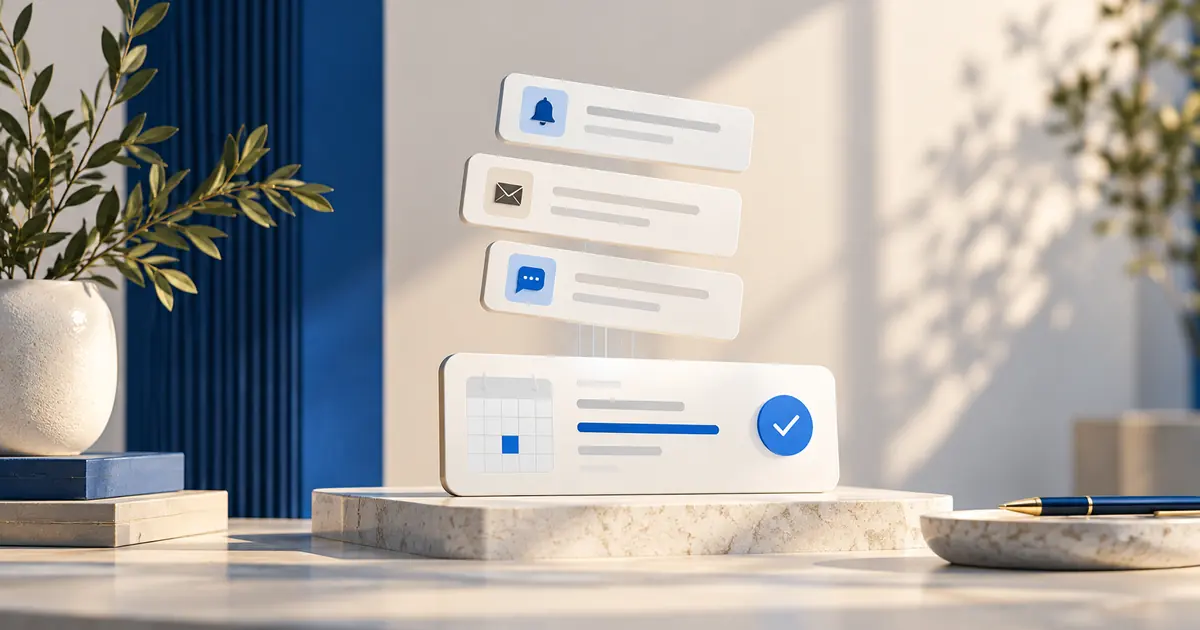
A reminder should help the customer act: remember the time, prepare, find the location or change the appointment. Keep the main details at the top. Avoid burying the appointment beneath promotional copy or a long collection of unrelated links.
Choose timing based on the decision the customer needs to make. A preparation reminder may need to arrive earlier than a simple time reminder. Test the cadence with your own audience rather than presenting one universal schedule as scientifically optimal.
4. Check contact details and delivery failures
A reminder sent to the wrong address or number cannot help. Make contact fields clear and provide a way for customers to correct mistakes. If your system exposes delivery failures, assign someone to review the failures that affect upcoming appointments.
Keep transactional communication focused on the appointment and use the channels your product and business process actually support. Do not assume that a feature called Scheduled Notifications includes every possible channel or unlimited message delivery.
5. Make cancellation easy to find
A customer who knows they cannot attend should be able to tell you without searching several messages or waiting for a telephone queue. Put the supported cancellation route in the confirmation and relevant reminders.
An increase in early cancellations can be a useful outcome if it replaces unannounced absence. Track it separately rather than treating all cancellations as deterioration. The business now has information it can use to manage the time responsibly.
6. Offer a clear rescheduling route
If the customer wants the service but cannot attend at the original time, make the next step obvious. Use the product’s supported rescheduling process or a clearly stated contact route. Do not promise instant self-service changes if staff approval is required.
Test the old and new appointments after a change. The customer should know which time is current, and the original slot should be handled correctly. Conflicting messages can undo the benefit of an otherwise easy change process.
7. Remove location and joining uncertainty
For in-person visits, provide an accurate address and any practical arrival instructions that matter. For online appointments, provide the correct joining route. A customer should not need to discover at the appointment time that the message contains only a company homepage.
Check location-specific details with staff. Entrance instructions, parking information or accessibility contact details should be accurate and maintained. Include what helps attendance, rather than adding a long generic description that hides the essential information.
8. Explain preparation before the day of the visit
Some customers miss or postpone an appointment because they realize too late that preparation is required. State relevant preparation instructions at booking and repeat them at an appropriate point before attendance.
Keep those instructions specific to the service. A returning consultation may need very little preparation, while a first visit may need a separate professional intake process. Do not place sensitive assessment questions into a general reminder simply to make the message feel comprehensive.
9. Review how far ahead customers book
A long gap between booking and attendance can create more opportunities for circumstances to change. That does not mean every business should shorten its booking window. Some services legitimately require advance planning.
Segment your own data by lead time and service type. If missed appointments cluster around a particular pattern, investigate the customer journey for that pattern. A targeted confirmation or clearer change route may be more appropriate than restricting every customer’s access.
10. Use clear, proportionate payment expectations
Where payment during booking fits the business and the product supports it, explain exactly what the customer is paying for. Keep payment, cancellation and change terms consistent with your actual process. Do not surprise customers with a charge they could not reasonably understand before booking.
Payment is not a universal attendance solution. It can introduce friction and requires a reliable process for exceptions. Evaluate the customer experience and operational consequences before adding it, and do not claim that payment guarantees attendance.
11. Follow up respectfully after a missed appointment
A short, neutral message can establish whether the customer had a problem with the booking, directions or service expectation. Avoid assuming bad intent. Record the reason in a consistent, proportionate way if it helps improve the process.
Distinguish a one-off exception from a repeated pattern. The appropriate business response may differ, but it should be clear to staff and consistent with the expectations customers were given. An improvised response at the front desk can create further confusion.
12. Review the process, not just the customer
Hold a short periodic review of missed visits and late changes. Look for preventable causes: incorrect availability, unclear service names, failed messages, timezone mistakes or a difficult cancellation route. Assign an owner to each process correction.
Change one important variable at a time when possible. If you rewrite confirmations, alter reminder timing and change payment rules simultaneously, you will struggle to identify what helped. Keep the test proportionate to the size of the business and the available data.
A four-week plan to reduce appointment no-shows
In the first week, establish the baseline and inspect the customer journey. Test booking, confirmation, directions and cancellation yourself. Correct factual errors immediately rather than preserving a broken experience for the sake of measurement.
In the second week, improve the clearest friction point, such as an invisible change link or vague service description. Record the change and the date. Ask staff to note customer questions that relate to it.
In weeks three and four, monitor attendance and changes using the same definitions. Compare similar services and booking patterns where possible. Small samples can fluctuate substantially, so do not claim a dramatic causal improvement from a handful of appointments.
| Measure | What it helps you understand |
|---|---|
| No-show rate | Unannounced absence under your stated definition |
| Early cancellations | Whether customers can tell you in useful time |
| Late cancellations | Whether preparation or change timing needs attention |
| Booking corrections | Problems created before the appointment |
| Delivery failures | Whether appointment messages reach customers |
| Staff handling time | The work required to manage exceptions |
A better process may improve several measures while making one initially look worse. For example, easier cancellation may reveal demand for appointment changes that previously went unreported. Interpret the pattern rather than optimizing a single number in isolation.
Where scheduling software can help
Accurate Scheduler is a SaaS appointment booking platform. Its current Free configuration includes online booking, unlimited staff and services, staff shifts and holidays, customer booking access, payment options and booking add-ons, subject to 60 appointments and up to 100 customers. The Free allowance is not labelled monthly. Google Calendar, Google Meet, Zoom and 50+ industry themes are Paid features. Review the current plan comparison and test your required workflow.
Do not describe software as eliminating no-shows. Customers still face changing circumstances, and the business still needs a respectful exception process. The tool is most useful when it supports a clear policy and dependable communication.
If your booking process itself needs work, start with the online booking system guide. Attendance improvements are easier to sustain when the original appointment is accurate and the customer knows what to expect.
Use a reminder that answers the next question
A practical message can say: “Your consultation is on [date] at [time and timezone], at [location or joining link]. Please bring [essential preparation]. If your plans change, use [supported change route] or contact [business contact].” Replace every placeholder and verify the details before sending. This is an example, not a claim about a particular notification feature.
An appointment reminder strategy should also identify who follows up when delivery fails. To reduce missed appointments, review clarity before increasing message frequency. Use the booking launch checklist to test the original confirmation and the measurement guide to separate useful changes from normal variation.
Frequently asked questions
What is the best reminder timing?
There is no universal answer for every service. Choose timing that helps the customer prepare or change plans, then measure the results. The relevant evidence for reminders does not establish one ideal cadence for every commercial business.
Should I make cancellation harder to discourage missed visits?
Making cancellation difficult can hide information the business needs. A clear route may turn an unannounced absence into an earlier change. Keep your business terms clear while making the supported process understandable.
How quickly should I expect a lower no-show rate?
That depends on volume, causes and the change you make. Fix obvious errors immediately, but use enough comparable appointments to assess a pattern. Avoid treating normal week-to-week variation as proof of success or failure.
Make the next appointment easier to keep
Evaluate Accurate Scheduler’s customer appointment tools against your service process. Start with accurate availability and a clear cancellation route, then consider the paid tools that fit your communication and rescheduling needs.
Related reading: features.