
Appointment scheduling software for managed it providers
Let clients arrange managed it introduction, it service review and support planning meeting online. Give customers a clear appointment route before a repair or technical conversation.
Compare appointment limits and plan features →
Make the next appointment easier to arrange.
A clear appointment choice
Separate an initial assessment from setup work and follow-up support.
Availability clients can understand
Assign appointments to technicians with the relevant product or service skills.
Fewer scheduling messages
Share an online booking link for managed it introduction instead of arranging each available time through separate messages.
A booking setup built around your work.
Managed IT introduction
List managed it introduction as a separate booking option. Explain what is included and set a duration that fits your working day.
IT service review
Give it service review its own appointment length and assign the team members who offer it.
Support planning meeting
Offer support planning meeting as a clearly named choice so clients can arrange the next step without choosing an unrelated service.
Match appointments to availability.
Assign appointments to technicians with the relevant product or service skills.
A practical setup check.
Appointment booking does not replace device diagnostics, secure data handling or a repair ticketing system.
Connect your services with your available hours.
Set up managed it introduction and your other appointment types, assign the right staff and test how the available times appear to clients.
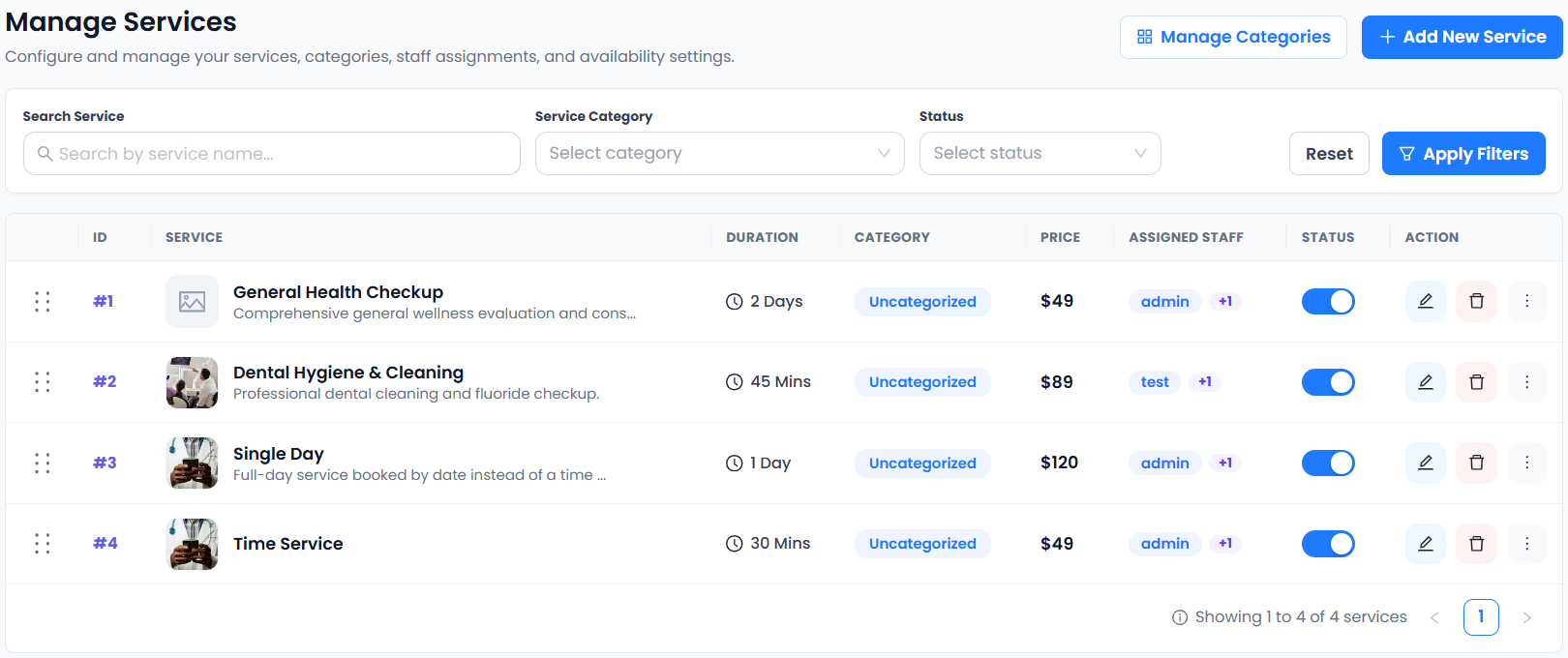
Actual Accurate Scheduler service-management screen. This shared example demonstrates the controls; the service names shown are not specific to this business type. See which plan fits your workflow.
From choosing a service to making a booking.
- 01Choose a service
- 02Choose staff
- 03Choose a date & time
- 04Enter details & confirm
A clearer diary. An easier next step.
Help clients choose between managed it introduction and it service review before they contact your team. A clear service menu and published working hours make the next appointment easier to arrange.
Connect the tools your day depends on.



Availability varies by plan. Explore integrations →
Scheduling for managed it providers: a few things to know.
How can managed it providers start taking appointments online?
Create your account, add appointment types such as managed it introduction and it service review, and assign available staff. Test the booking flow before sharing your link.
Can I offer different booking times for managed it introduction and it service review?
Yes. Give each service its own duration and price. Keep managed it introduction, it service review and support planning meeting as separate choices when they need different amounts of time.
How should I set up staff availability for managed it providers?
Assign appointments to technicians with the relevant product or service skills. Staff shifts and holidays are included in Free. Check the full booking flow against your actual working hours.
What should I confirm before accepting a booking for managed it providers?
Appointment booking does not replace device diagnostics, secure data handling or a repair ticketing system.
Can clients manage their appointments?
The customer panel provides appointment management. Configure cancellation and rescheduling settings for your business and test the customer experience before sharing your booking link.
Which plan should I start with?
Start with Free and review the current pricing page for appointment limits and features. Buffer Time and Group Booking are included in Free and paid plans. Choose a plan that matches your actual booking workflow.