
Comparing Picktime alternatives starts with one question: what exactly are customers booking? A four-person consultancy selling paid calls has different needs from a coworking site reserving meeting rooms. Picktime, Accurate Scheduler and SuperSaaS all cover scheduling, but their plan limits and calendar models solve different problems.
On this page
1. Test Picktime alternatives against a real appointment
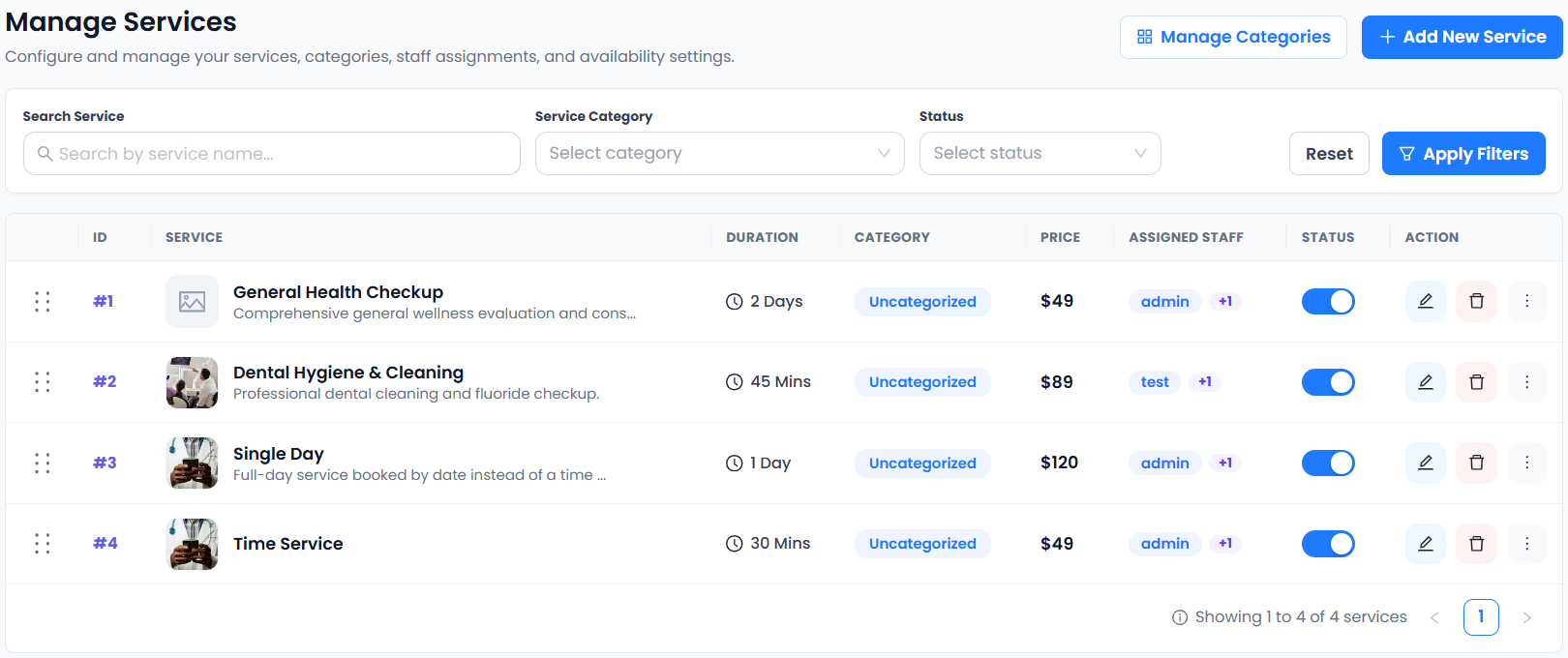
Compare Picktime alternatives with one service you sell every week. Set up its duration, a staff member, the booking page and a real-looking confirmation. Then ask someone outside the team to book and reschedule it on a phone. Note each step that would require a manual email or calendar edit. A simple journey at this stage is more useful than a feature count.
2. Compare staff limits and appointment limits together
Picktime lists three team members on its Free and Starter plans and unlimited appointments on both. Check Picktime’s pricing table for resource and location caps as well. Accurate Scheduler’s Free plan includes unlimited staff and services, with a booking allowance and a customer limit. Compare the current allowances against both a normal month and your busiest one.
For example, a five-person studio may need more staff profiles even when its total appointment volume is modest. A solo instructor with a busy calendar may hit a booking limit first. Price your own workload before comparing subscription totals.
3. Decide whether you need staff, resources or seats
A consultation needs a person, a room hire needs an exclusive resource, and a workshop needs a seat count. Picktime documents room setup under Resources. SuperSaaS documents separate resource, capacity and service schedules. Its service schedules can coordinate multiple calendars when an appointment needs a person and a room.
Test the hardest combination first. If two consultants share one interview room, book it with one consultant and check whether the second can still offer a remote call while the room is occupied. Run a separate test if you also sell group sessions.
4. Check calendars and customer changes
A booking appearing on an external calendar and an external event blocking a booking slot are two separate tests. Try both, then move or cancel the appointment from the customer side. Verify the original slot reopens, the new time appears once and each participant receives the right update. Accurate Scheduler includes its built-in calendar on Free and offers Google Calendar two-way sync on paid plans.
5. Test checkout in your market
A US consultancy might test a USD checkout. A UK studio might test a GBP booking, while a French or German team might need a EUR checkout with customer-facing instructions in its local language. Verify the merchant account, currency, payment method and refund workflow together. Accurate Scheduler lists Stripe and PayPal integrations on Free, with Mollie available on paid plans, subject to provider eligibility.
6. Test date formats and remote appointments
For a New York team booking a customer in London or Berlin, check the time shown at selection, on the receipt and in the calendar invitation. Use the written month in customer-facing copy when an all-numeric date could be ambiguous. Test daylight-saving transitions separately because the US and Europe change clocks on different dates. Use the time zone scheduling checklist to record what each participant sees.
7. Run a small migration before moving the live link
Pilot your shortlisted Picktime alternatives with one service and two staff calendars. Run an approved booking, a payment if relevant, a cancellation and a customer reschedule. Record the plan each test required and check how you would export customer and booking records. Keep your current booking link active while you reconcile existing appointments and decide which system will own future availability.
Which Picktime alternative fits your team?
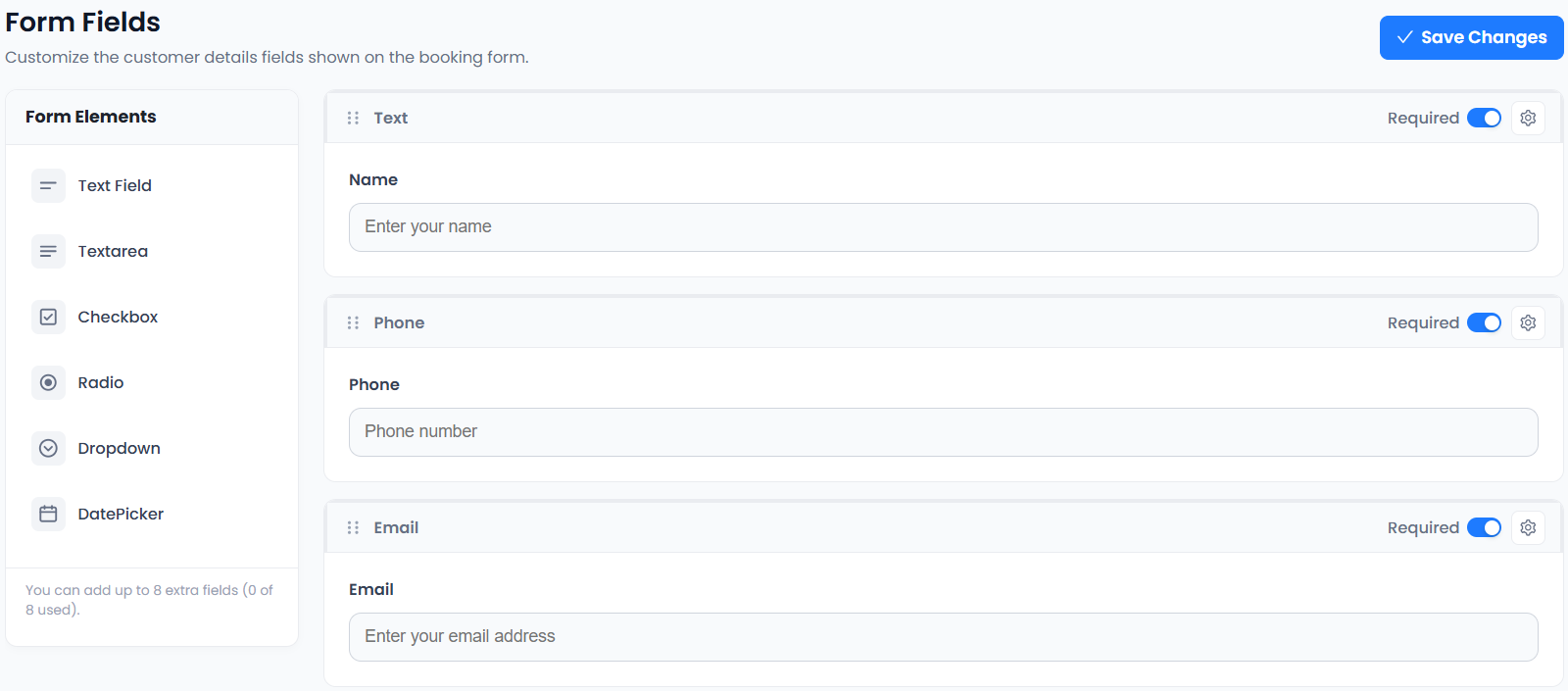
Start with Accurate Scheduler if multiple staff profiles and service-led appointments are central. Put SuperSaaS on your shortlist if linked room and equipment calendars drive availability. Include Picktime itself as the baseline if its resource and team limits match your workload. Run the same test booking on each candidate so the decision reflects how your business actually schedules.