
A multilingual booking page helps customers choose a service and understand what they are agreeing to. Start with the language used by the customers you already serve. Translate the entire journey for one representative service, from the entry page through the confirmation and any later change.
On this page
1. Set a clear language path
Decide whether customers should pick a language themselves or reach the correct version from a regional service page. Keep the language choice visible on mobile. Ask two testers to switch languages halfway through the flow and check what happens to their selected service and date.
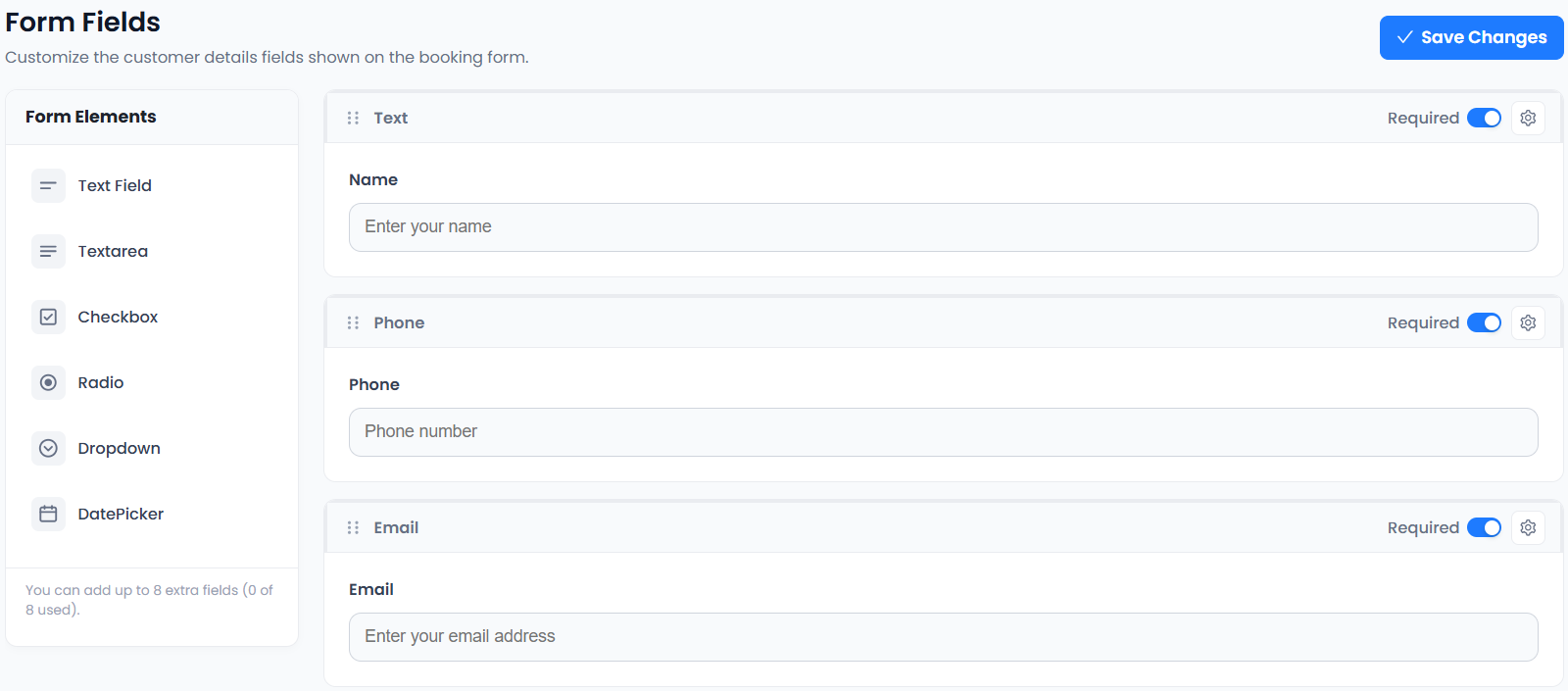
Review Accurate Scheduler’s language settings before planning the work. Interface controls and the text you write yourself may be handled separately. Inventory both so a customer does not arrive at an untranslated step.
2. Translate service names using customer language
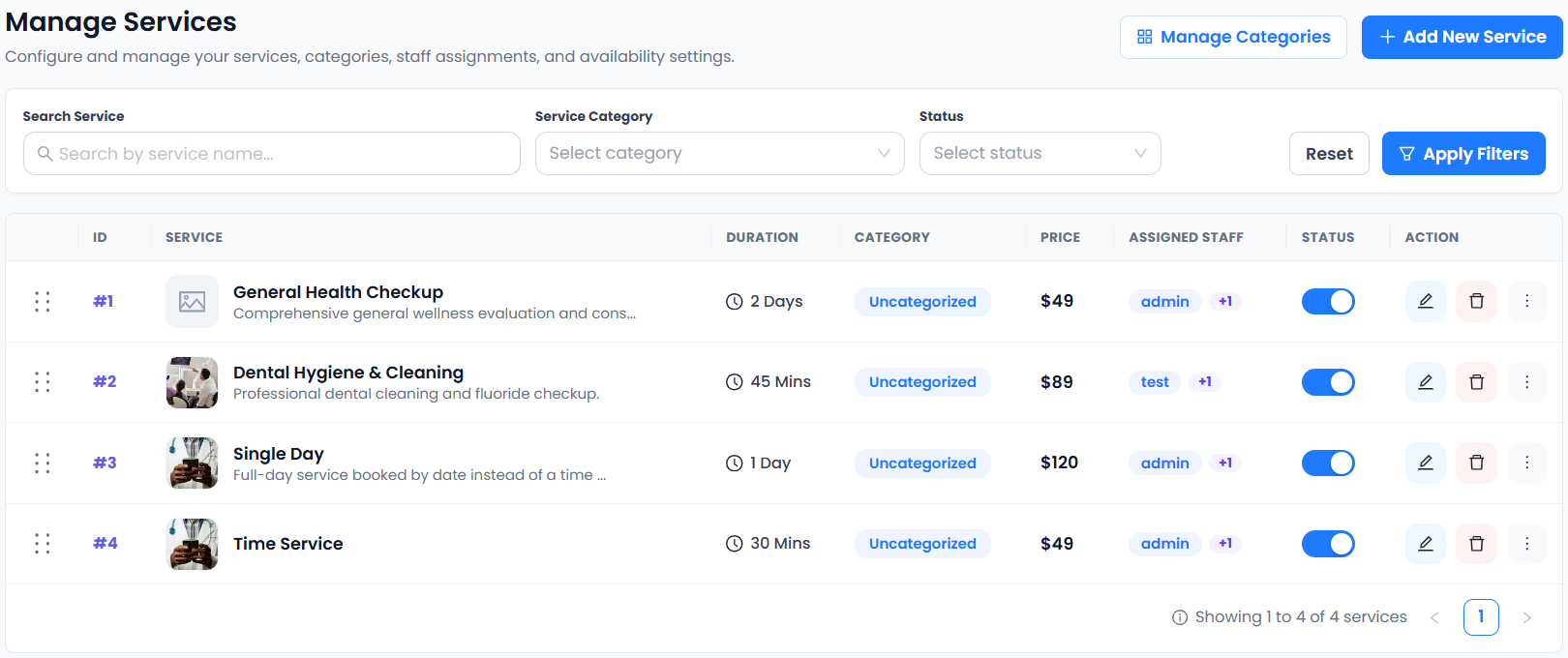
A French client may recognise séance découverte more easily than a literal rendering of your internal service label. Ask a fluent reviewer to check whether each name describes the appointment accurately. Include the duration and what the customer receives when two services sound similar.
Use the service description examples to check the essentials for every language. Keep a shared list of services and their translations so that changes to duration or format reach every version.
3. Check dates, numbers and prices
For English-language bookings, use a written month when a US and UK customer might read the same numeric date differently. In French or German copy, verify that your date and number formatting suits the locale and that prices show the intended currency. Language preference and billing currency can differ.
Test the visible price, checkout amount and receipt together. A customer who chooses English for a booking in Germany may still expect a euro price. For a remote appointment, check whether the booking and the calendar invitation agree on the time zone.
4. Translate the multilingual booking page’s messages
Include confirmation, reminder, cancellation, rescheduling and payment-failure messages in the translation checklist. Preserve placeholders, links and any separate instructions for arriving or joining online. Run a real test message through each version and inspect it on a phone.
Check whether a customer who changes their language gets later messages in the expected version. Confirm that a cancellation link still opens the correct appointment and that staff have a clear way to respond if the customer replies in that language.
5. Review the full journey with someone local
Ask a US English speaker and, where relevant, a UK, French or German reviewer to make the same test booking. Give them a task such as finding the cancellation deadline or working out which office to visit. Record where they hesitate instead of explaining the flow while they test it.
Picktime describes multilingual options in its plan comparison. Check the plan and language list of your chosen platform, then review form labels and customer-written policy text separately.
6. Keep the multilingual booking page current
Assign an owner to review translations whenever hours, prices or payment rules change. Keep a short inventory of each live version, including its latest test date and which confirmation templates it uses. Start with the languages your team can maintain and support.
After launch, compare the volume of completed bookings and language-related support requests for each version. If a specific language sees more abandoned bookings, rerun the task on mobile and check the first screen where testers stop.